Sub Category
App Safety & Warnings
Discover how to protect your apps and mobile data with expert app safety tips and security guides. Stay informed about dangerous apps, security risks, and hidden threats.
Frequently Asked Questions
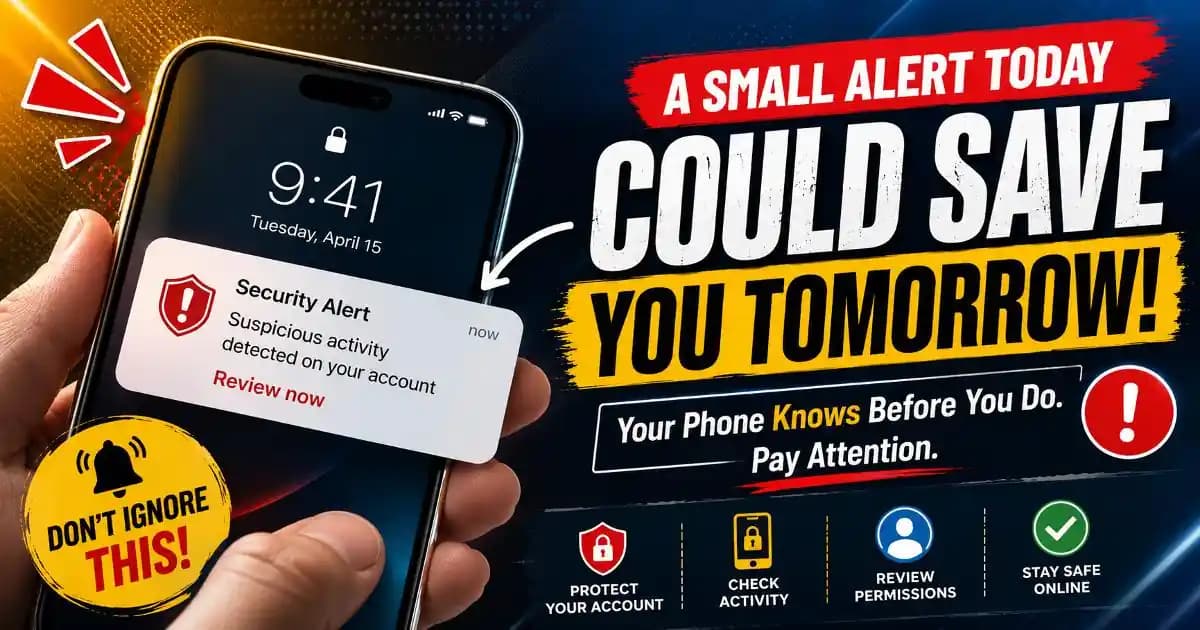
App safety warnings alert users about potential risks such as malicious apps, excessive permissions, or suspicious behavior that could compromise personal data or device security.
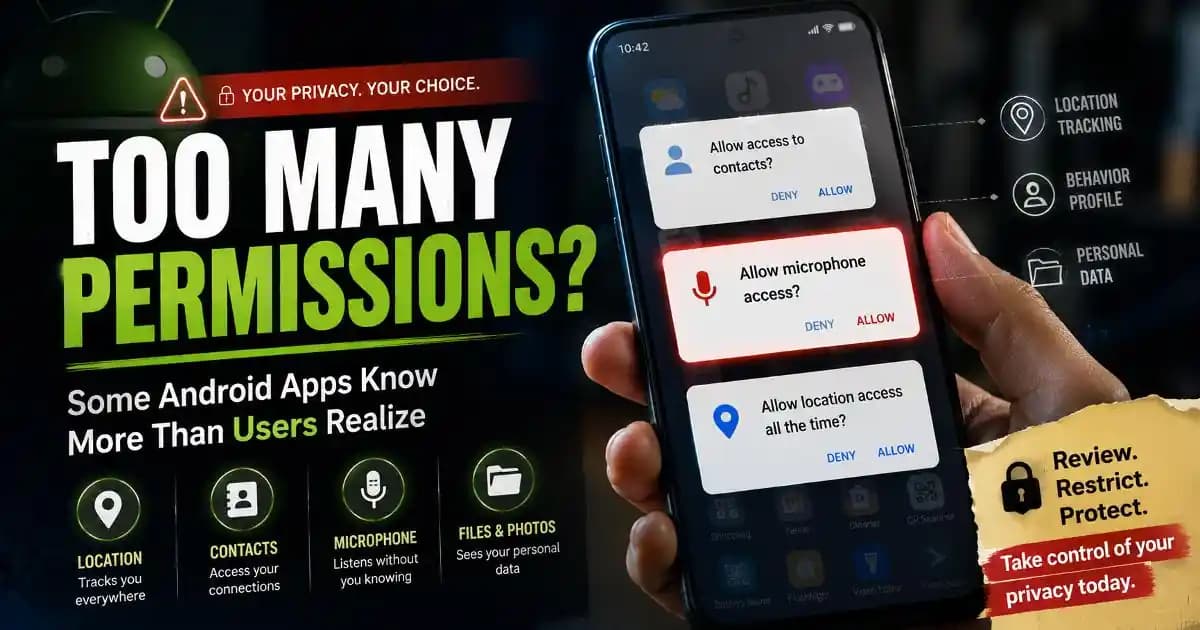
You can identify unsafe apps by checking permissions, reading user reviews, verifying the developer, and avoiding apps that request unnecessary access to your data or device features.
Avoid granting permissions like access to contacts, messages, microphone, or location unless they are essential for the app’s functionality.
Some malicious apps may misuse granted permissions to collect personal data. This is why it is important to review permissions and install apps only from trusted sources.
Install apps from official stores, review permissions regularly, keep your device updated, and uninstall apps that seem suspicious or unnecessary.