

Category
Digital Safety & Scam Alerts
Learn how to stay safe online with expert digital safety guides, cybersecurity tips, and protection strategies from Quronfula.. Welcome to our comprehensive guide on Digital Safety & Scam Alerts, where we explore the latest trends, essential tips, and expert insights to keep you informed and secure in the digital era.
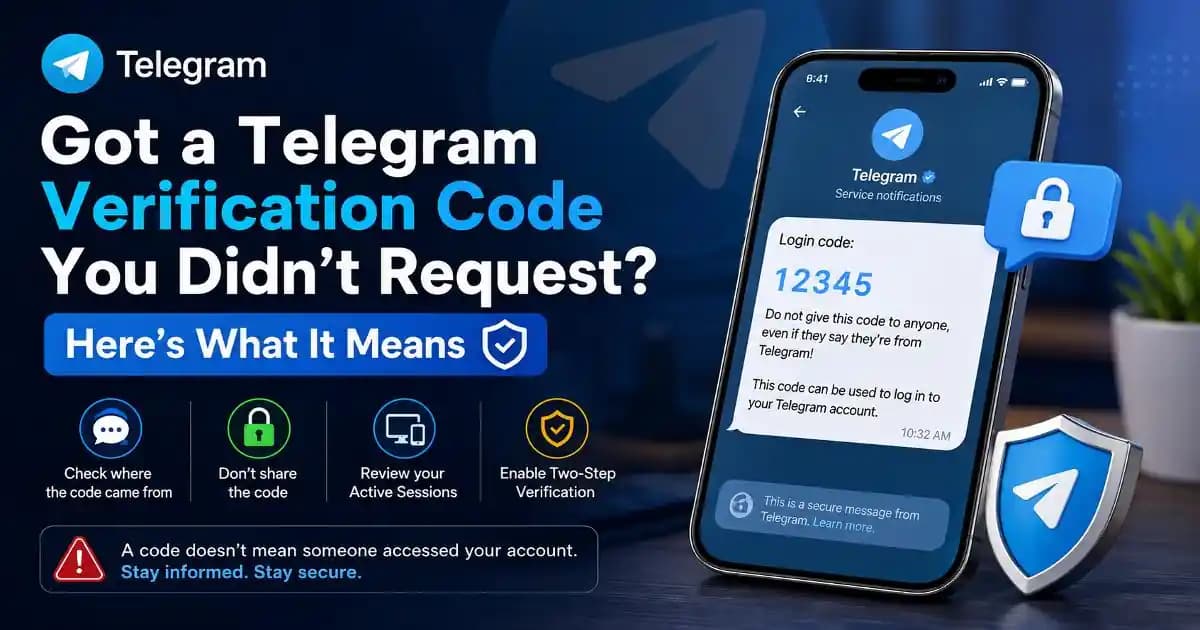
Digital safety and scam alerts are essential for protecting users in today’s online environment. In this section, we provide in-depth analysis of modern scam techniques, how they work, and practical steps you can take to protect your accounts and data.
Frequently Asked Questions
Online scams are fraudulent attempts to trick users into sharing personal information, money, or access to their accounts. They often use fake messages, phishing links, or impersonation to appear trustworthy.
Scam messages often create urgency, request sensitive information like OTP codes, or include suspicious links. Unknown numbers, poor grammar, and pressure tactics are common warning signs.
Immediately change your passwords, enable two-factor authentication, and contact the platform's support team. Acting quickly can help prevent unauthorized access to your account.
Yes, scams on WhatsApp and SMS can lead to account hacking, financial loss, or identity theft. These scams often trick users into clicking links or sharing verification codes.
Avoid clicking unknown links, never share verification codes, verify sources before responding, and use strong passwords with two-factor authentication for better security.