



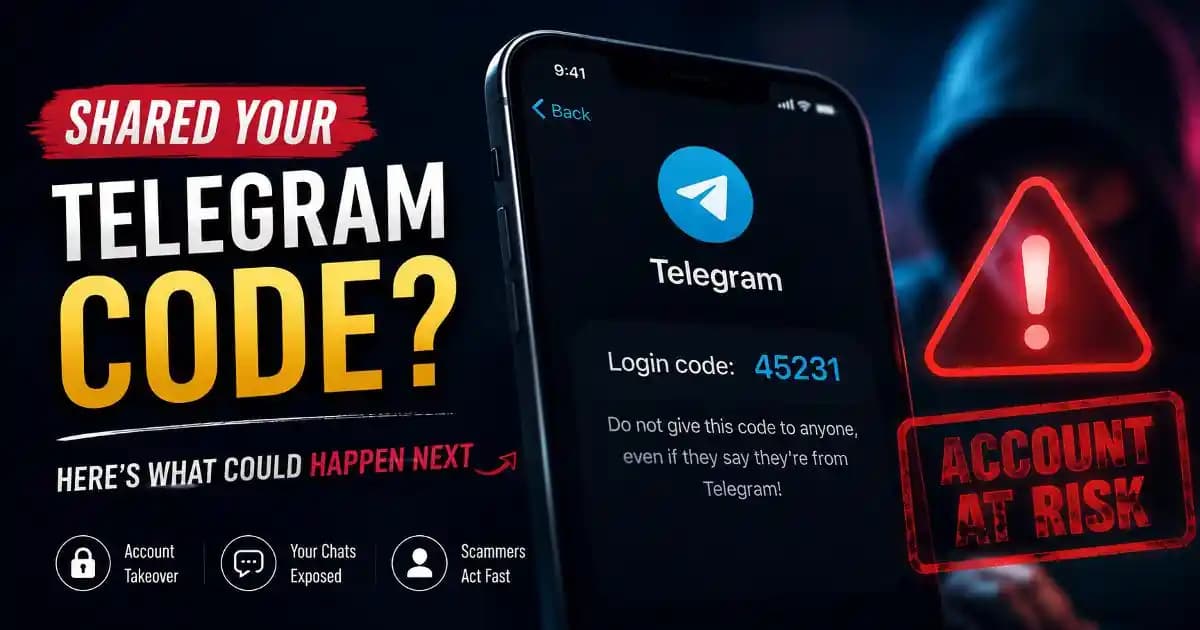
Shared telegram verification code is a phrase many people search only after realizing something has gone wrong. A message looked legitimate, a caller sounded convincing, or a fake support representative created a sense of urgency. Within seconds, a code that seemed harmless was sent to someone else. The moment that happens, many users start wondering the same thing: does that person now have access to my Telegram account?
The answer depends on timing, security settings, and what the attacker does next. Understanding what typically happens after a Telegram verification code is shared can help reduce panic and improve the chances of securing the account quickly.
Why Telegram Verification Codes Matter
Telegram uses verification codes as proof that the person trying to log in controls the associated phone number. When a new device attempts to access an account, Telegram sends a verification code that acts as a temporary key.
If someone else receives that code from you, they may be able to complete the login process on their own device. This is why scammers often focus on obtaining verification codes rather than passwords. The code itself is often enough to begin an account takeover attempt.
In recent years, social engineering attacks have become more sophisticated. Attackers may pretend to be friends, employers, delivery services, cryptocurrency groups, customer support teams, or verification staff. The goal is always the same: convince the user to reveal a code that was never meant to be shared.
How Fast Can an Account Takeover Happen?
Many people assume there is time to react after sharing a code. In reality, account access can change very quickly.
Once the attacker receives a valid verification code, login attempts are often completed within seconds or minutes. Automated tools and organized scam operations rarely wait.
A common timeline looks like this:
First few minutes: The attacker logs into Telegram from a new device.
Within minutes: They review contacts, groups, channels, and account settings.
Shortly afterward: They may begin messaging contacts, impersonating the account owner, or attempting financial scams.
In more serious cases: They try to strengthen control by modifying security settings or enabling additional protections for themselves.
This speed is why immediate action matters.
Signs Someone May Have Access to Your Telegram Account
Not every account takeover looks dramatic. Sometimes the first clues are subtle.
You may notice unexpected login notifications, unfamiliar devices in active sessions, messages you never sent, new contacts, changed profile information, or reports from friends who received unusual requests.
Some attackers stay quiet at first. Instead of immediately sending spam, they monitor conversations or gather information that can be used later.
That is why reviewing active sessions is one of the most important steps after sharing a verification code.
Check Active Sessions Immediately
Telegram allows users to see where their account is currently logged in.
Open Telegram settings and look for the devices or active sessions section. This area shows phones, tablets, computers, and other devices currently connected to the account.
Review the list carefully. Look for unfamiliar devices, unknown locations, unusual operating systems, or recent login activity you do not recognize.
If anything appears suspicious, terminate those sessions immediately.
Many users discover unauthorized access here before any visible damage occurs.
How to Remove Unauthorized Devices
If you find a device that does not belong to you, remove it as quickly as possible.
Telegram provides an option to terminate individual sessions or log out all other devices. Ending unauthorized sessions prevents those devices from continuing to access messages and account activity.
After terminating suspicious sessions, avoid assuming the problem is solved. Additional security checks are still necessary because attackers may have gathered information during the period of access.
The Importance of Telegram Two-Step Verification
Many account takeover incidents become more serious because two-step verification was never enabled.
Telegram's two-step verification feature adds an additional password requirement beyond the verification code. Even if someone obtains a login code, they may still be blocked from accessing the account without the second factor.
Users who have not enabled this protection should consider doing so immediately after securing their account.
This extra layer often makes the difference between a failed attack and a successful compromise.
What Information Could Be Exposed?
The level of exposure depends on account usage.
An attacker may see public profile details, contact information, message history available on connected devices, group memberships, channel subscriptions, and ongoing conversations.
For some users, this creates privacy concerns. For others, the larger risk is impersonation. Attackers frequently use compromised accounts to contact friends, family members, coworkers, or business contacts.
Because messages appear to come from a trusted person, victims may be more likely to send money, reveal personal information, or share additional verification codes.
Recovery Checklist After Sharing a Telegram Verification Code
If you accidentally shared a Telegram verification code, work through the following checklist as quickly as possible:
1. Log into your Telegram account immediately.
2. Review all active sessions.
3. Remove unfamiliar devices.
4. Enable or update two-step verification.
5. Review account recovery and security settings.
6. Check profile information for unauthorized changes.
7. Notify close contacts if suspicious messages were sent.
8. Monitor for unusual login alerts.
9. Review connected services and linked devices.
10. Stay alert for follow-up phishing attempts.
Many attackers target the same victim multiple times once they know someone has responded to a scam.
Why Verification Code Scams Continue to Work
Verification code scams succeed because they exploit trust rather than technology.
Most victims do not knowingly give away account access. They believe they are helping a friend, verifying an identity, confirming a delivery, joining a group, or responding to customer support.
Modern scams increasingly combine AI-generated messages, spoofed identities, cloned social profiles, and convincing scripts. The technology changes, but the underlying tactic remains social engineering.
Understanding this behavior is an important part of digital literacy. Security is not only about apps and settings. It is also about recognizing manipulation attempts before sensitive information is shared.
Final Thoughts
Sharing a Telegram verification code by mistake does not automatically mean permanent account loss, but it does create a serious security risk. The most important factor is how quickly you respond.
Checking active sessions, removing unauthorized devices, enabling two-step verification, and monitoring account activity can significantly reduce the impact of an attempted takeover.
The experience is also a useful reminder that verification codes should be treated like temporary keys. Even when a request appears legitimate, those codes should never be shared with another person. A few seconds of caution can prevent hours of recovery work later.





