



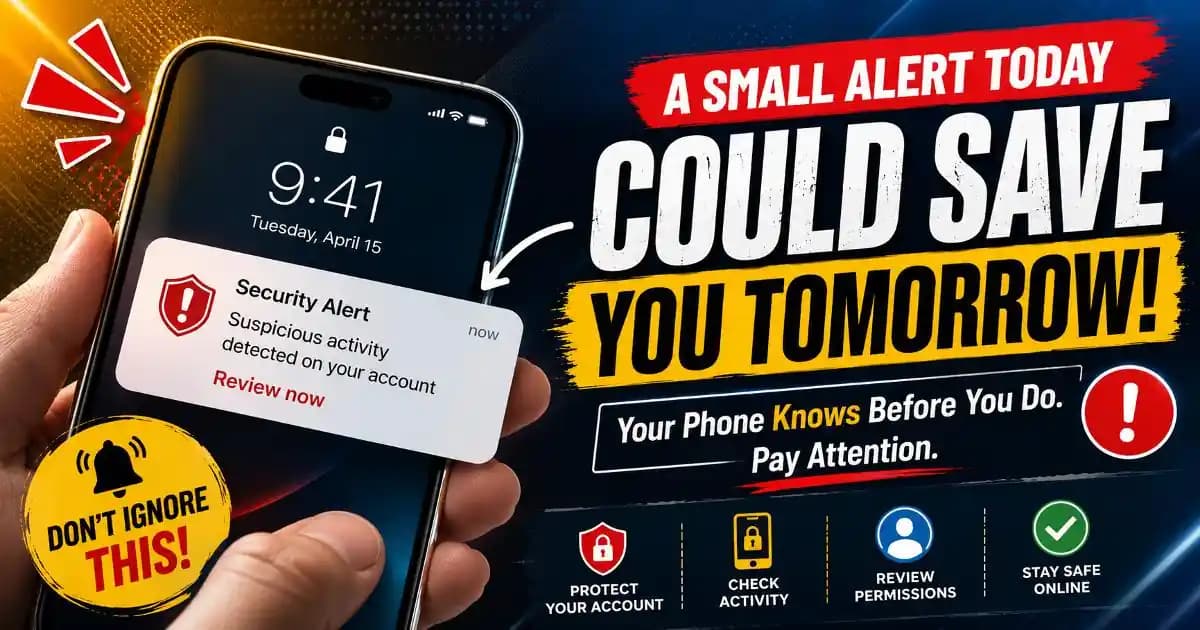
Phone security notification messages appear so often now that many users barely notice them anymore. A small warning flashes across the screen about a suspicious login, an unknown device, app permissions, browser activity, or unusual account access, and within seconds it disappears under new messages, videos, or social media updates.
That habit of dismissing notifications quickly has quietly become part of everyday digital behavior.
Most people do not ignore these alerts because they are careless. They ignore them because phones generate constant interruptions all day long. Banking apps send updates, delivery apps trigger reminders, messaging platforms demand attention, and operating systems regularly display prompts about privacy, battery health, permissions, or authentication requests.
Over time, the brain learns to filter warnings automatically.
That automatic behavior is exactly what scammers and malicious actors increasingly rely on during 2025 and 2026.
Why Small Security Alerts Matter More Than Users Think
Not every phone security notification signals a major threat, but many are designed to warn users before a problem becomes serious.
Modern mobile operating systems constantly monitor unusual account activity, unknown login attempts, risky app behavior, leaked passwords, unsafe websites, and suspicious network connections. Security systems built into Android and iPhone devices have become more proactive because attackers now move faster than many users can react.
For example, a notification warning about a login from another location may appear before an account is fully compromised. A browser warning about a deceptive website may prevent credential theft before passwords are entered. An app permission request may reveal that a seemingly harmless app wants access to messages, contacts, or notifications it does not actually need.
These warnings are often preventative rather than reactive.
The problem is that modern users have become emotionally overloaded by notifications. Many people no longer distinguish between a useful security alert and ordinary digital noise.
The Psychology Behind Ignoring Alerts
Human attention is limited, especially on mobile devices.
Phones compete constantly for attention through entertainment, conversations, work messages, shopping apps, videos, advertisements, and social platforms. Under those conditions, users naturally prioritize speed over careful evaluation.
That creates a psychological shortcut. If a notification does not immediately interrupt daily activity in a dramatic way, the brain often classifies it as low priority.
Security researchers sometimes refer to this as alert fatigue. The more warnings people receive, the less emotionally responsive they become.
This behavior affects even experienced users. Someone may carefully protect banking information but still ignore repeated warnings about suspicious browser permissions or unusual account sessions because the alerts feel routine.
Scammers increasingly design attacks around this exact pattern.
How Attackers Exploit Notification Fatigue
One common tactic involves overwhelming users with repeated prompts or harmless-looking requests until they stop paying attention.
For example, fake authentication requests may appear multiple times until a tired user finally approves one accidentally. Some attackers repeatedly send password reset notifications hoping the victim eventually taps the wrong link during a distracted moment.
Other scams imitate real phone security notification designs. Fraudulent pop-ups may claim a device is infected, an account is locked, or payment verification failed. Because users are already accustomed to seeing security warnings regularly, the fake message blends naturally into the mobile experience.
This is why phishing protection today involves more than identifying strange emails. Attackers increasingly exploit normal user habits rather than relying only on technical vulnerabilities.
Even browser notifications have become a growing problem. Some websites ask users to allow notifications, then begin sending alarming security warnings, fake virus alerts, or deceptive account messages designed to trigger panic clicks.
The danger often comes not from a single dramatic attack, but from repeated small interactions that gradually lower skepticism.
Mobile Devices Changed How People Trust Warnings
Years ago, users interacted with most security warnings on desktop computers where there was more space to inspect details carefully. Phones changed that behavior completely.
On smartphones, people react quickly. Notifications appear briefly, URLs are harder to inspect, and many actions happen through taps instead of detailed reading.
Visual familiarity now plays a huge role in trust. If a warning resembles a system notification or a well-known app design, many users assume it is legitimate automatically.
Scammers understand this very well. Some fraudulent alerts imitate Google account warnings, Apple ID verification prompts, banking notifications, package delivery failures, or messaging app security checks.
At the same time, app permission abuse has become more sophisticated. Certain malicious apps request notification access or accessibility permissions, allowing them to monitor incoming alerts, display deceptive overlays, or interfere with authentication systems.
This overlap between legitimate mobile features and manipulation techniques makes digital literacy increasingly important for everyday users.
Not Every Notification Requires Panic
One reason users become numb to warnings is that many notifications are precautionary rather than catastrophic.
Traveling, changing devices, clearing browser data, or logging in through a VPN can trigger unusual activity alerts. A password manager may warn about leaked credentials even when no account has been hacked directly.
These systems are intentionally sensitive because companies want to reduce identity protection risks before attackers gain deeper access.
Understanding that difference matters. Users should not panic every time a warning appears, but they also should not dismiss security notifications automatically.
The healthiest response is calm verification.
Opening the official app manually, reviewing account activity directly, checking recent logins, and verifying permissions carefully are usually safer than reacting emotionally to a message itself.
The Growing Importance of Slower Reactions
Modern scams depend heavily on urgency. Attackers want users to react before thinking critically.
A person who pauses for even thirty seconds to inspect a warning carefully often notices suspicious details: unusual domains, poor wording, fake urgency, or requests that legitimate companies rarely make.
That short pause creates space for rational judgment.
Consumer protection groups and cybersecurity experts increasingly encourage users to build slower digital habits intentionally. This does not mean distrusting every notification. It means understanding that security warnings deserve verification instead of instant reactions or automatic dismissal.
Phone security notification systems exist because mobile devices now store enormous amounts of personal information, financial access, identity records, and communication history. Ignoring every alert may feel emotionally easier in the moment, but awareness remains one of the strongest forms of online safety available to everyday users.
Frequently Asked Questions
Why do people ignore phone security notifications?
Constant notifications create alert fatigue, making many warnings feel routine or unimportant.
Can fake notifications appear on smartphones?
Yes. Scammers often imitate real system alerts, banking notifications, and account security warnings.
What should I do if a suspicious notification appears?
Open the official app or website manually and verify the alert before taking action.
Are repeated password reset notifications dangerous?
They can be. Attackers sometimes use repeated alerts to pressure users into rushed mistakes.
How can users improve mobile security awareness?
Review app permissions regularly, enable multi-factor authentication, and avoid reacting emotionally to warnings.