



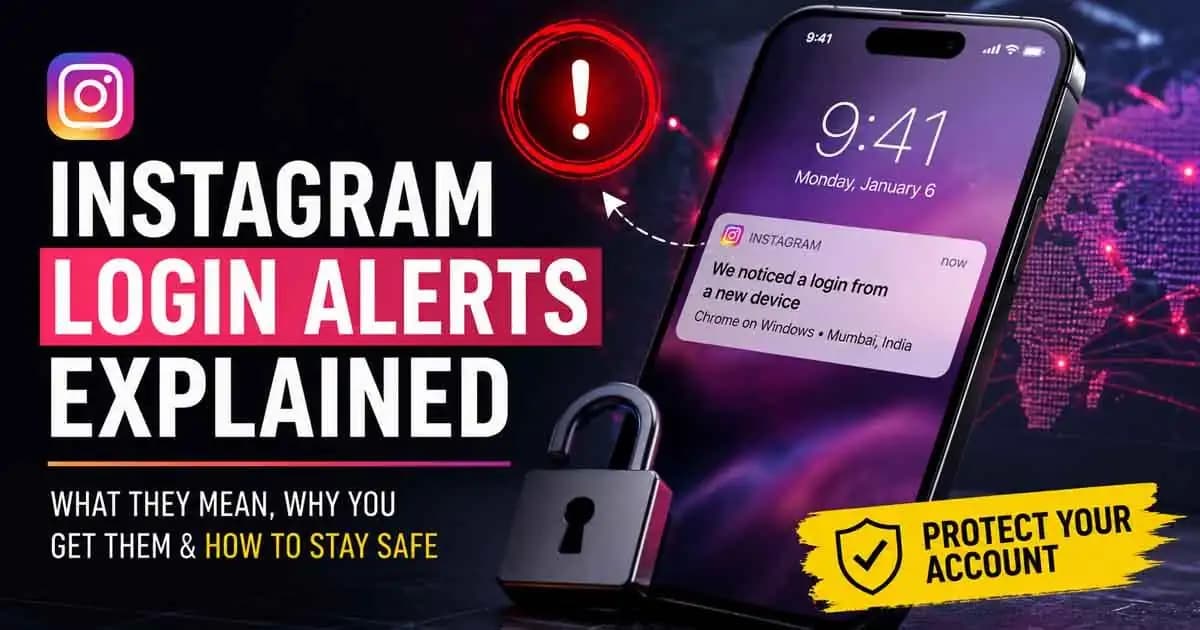
Instagram login alerts usually appear at ordinary moments.
Rahul was standing in line at a coffee shop when his phone vibrated with a push notification:
“Suspicious login attempt detected near Delhi.”
He looked at it for two seconds, tapped “It Was Me,” and locked his phone again.
The reaction felt automatic.
He had seen similar Alerts before from Gmail, his banking app, and even Netflix. Sometimes apps complained when he switched from office Wi-Fi to mobile data. Sometimes Instagram warned him after using a VPN. None of it felt unusual anymore.
But later that night, another notification appeared.
This one said there had been a login from a new device using Chrome on Windows.
Rahul only used Instagram on his iPhone.
For the first time, he paused.
He opened the app and checked “Login Activity.” Several sessions appeared on the screen. One looked familiar. Another showed a city he had never visited. One simply said “Unknown Location.”
That was when the confusion started.
Because Instagram login alertsare not always straightforward.
Sometimes they appear because of genuine account access attempts. Other times they happen because platforms notice unusual behavior patterns: a different browser, a Changed IP address, traveling, or logging in through public Wi-Fi.
The difficult part is that real attacks and harmless technical changes can look almost identical.
And scammers know that.
The Earlier Message He Almost Forgot About
As Rahul kept checking the alerts, he remembered something from the afternoon.
A WhatsApp message had arrived from an unknown number claiming to be “Instagram Support.” The message warned him that someone was trying to access his account from another location and told him to “secure the account immediately.”
There was a link attached.
At the time, he ignored it.
Now, after seeing the actual Instagram notifications, the message Suddenly felt believable.
He opened the chat again and clicked the link.
The page looked professional. Instagram logo. Login screen. Blue verification badge graphics. Even the URL looked convincing unless Someone studied it carefully.
Without thinking too much, Rahul entered his username and password.
A few seconds later, the page requested a verification code sent to his phone.
He typed that too.
Then the page refreshed endlessly.
Within minutes, he was logged out of Instagram completely.
The strange thing was that the login alerts themselves were real.
The attacker had already captured his credentials through the fake login page. Once they accessed the Account from another device, Instagram’s actual security systems detected unusual activity and sent genuine alerts.
The fake warning and the real warning blended together so naturally that Rahul stopped questioning either of them.
That is how many modern account scams work now.
What Instagram Login Alerts Actually Mean
People often assume a login notification means one clear thing:
“Someone hacked my account.”
But Instagram login alerts are more complicated than that.
The platform monitors behavior patterns constantly. If something changes suddenly, the system may react.
That can include:
- Logging in from a new phone or laptop
- Accessing Instagram through a browser after only using the mobile app
- Switching cities or countries
- Using VPN services
- Multiple failed password attempts
- New devices connected to the account
- Sudden activity from unfamiliar IP addresses
When Instagram notices unusual behavior, it may send push notification login alerts, emails, or in-app security checks asking whether the login was really you.
The problem is that users usually receive these alerts without enough context.
For example, a “login from another location” does not always mean another human being is physically there. IP addresses are not perfectly accurate. Mobile carriers sometimes route traffic through different cities. VPNs can make a login appear from another country entirely.
At the same time, real attackers can absolutely trigger those same alerts after gaining access to an account.
This uncertainty is exactly what scammers exploit.
Why So Many People Fall for It
A few days after recovering his account, Rahul realized the scam did not begin with the phishing page.
It started with exhaustion.
Modern users receive endless notifications every day:
- Banking alerts
- Delivery updates
- OTP verification requests
- Security emails
- Password reset prompts
- App login confirmations
People stop treating alerts as important events. They become background noise.
So when a real security warning appears, many users react emotionally instead of carefully.
That emotional pressure matters.
A suspicious login activity notification creates urgency in accounts immediately. Users imagine private messages being exposed, photos disappearing, or their account being used to scam friends.
Scammers depend on that panic.
They know most people will act faster when they think their account is already under attack.
That is why fake Instagram support messages often arrive shortly before or after real security alerts. Sometimes attackers intentionally trigger password reset attempts just to create confusion and make users expect notifications from Instagram.
The goal is not technical hacking in the traditional sense.
The goal is behavioral manipulation.
The Moment Rahul Realized Something Else Was Wrong
The next morning, Rahul’s friend messaged him on WhatsApp asking why he was suddenly promoting cryptocurrency investment links on Instagram Stories.
Rahul wasn’t posting anything.
The attacker was.
By then, the account thief had changed his password, updated recovery details, and started messaging followers pretending to be Rahul.
Several people trusted the messages because the account itself looked legitimate.
That is another reason Instagram accounts are valuable targets now.
Attackers are not always interested in photos or personal conversations. Sometimes they want access to audiences, business contacts, creator accounts, or follower trust.
A compromised account can quickly become a tool for spreading scams.
What Helped Him Recover the Account
Rahul eventually regained access using Instagram’s recovery process, but it took several stressful days.
Looking back, he realized there were small signs he ignored:
The WhatsApp message came from a random number instead of official Instagram communication.
The login page URL was slightly misspelled.
The page requested both login credentials and verification codes unusually fast.
Most importantly, he reacted to fear instead of slowing down.
That realization changed how he handled security alerts afterward.
Instead of tapping notifications immediately, he began opening Instagram directly from the app and checking security settings there.
That small habit matters more than many people realize.
Because the safest way to verify login activity is usually inside the platform itself, not through links sent by messages, emails, or DMs.
How Users Can Approach Login Alerts More Calmly
Instagram login notifications are not useless. They genuinely help many users detect unauthorized access early.
But they should be treated as signals, not automatic proof of hacking.
If an alert appears, slowing down is often the smartest response.
Check Login Activity inside the Instagram app itself.
Review connected devices carefully.
Change passwords directly through official settings if something feels wrong.
Enable two-factor authentication using an authenticator app instead of relying only on SMS when possible.
And most importantly, avoid reacting emotionally to urgent messages claiming to be from “Instagram Support.”
Instagram does not contact users through random WhatsApp numbers asking for passwords or verification codes.
Real security systems usually guide users back into the official app.
That distinction matters.
Because in many modern scams, the attacker’s biggest advantage is not technology.
It is timing, confusion, and human urgency.
FAQ
Why did Instagram say there was a login from another location?
Instagram estimates locations using IP addresses, which are not always accurate. VPNs, mobile networks, travel, or public Wi-Fi can sometimes trigger location changes even when it was really you.
Do Instagram login alerts always mean someone hacked my account?
No. Some alerts are triggered by normal behavior like using a new device or browser. But unexpected alerts should still be checked carefully inside the Instagram app.
Can scammers send fake Instagram security notifications?
Yes. Attackers often use fake emails, WhatsApp messages, SMS texts, or phishing pages that imitate Instagram branding to steal passwords and verification codes.
What should I do after getting a suspicious login alert?
Open Instagram directly through the official app, review Login Activity, change your password if necessary, and enable two-factor authentication.
Why did Instagram ask if a login attempt was me?
Instagram uses automated systems to detect unusual activity patterns. If something about the login looks unfamiliar, the platform may ask users to verify whether the activity was legitimate.





