



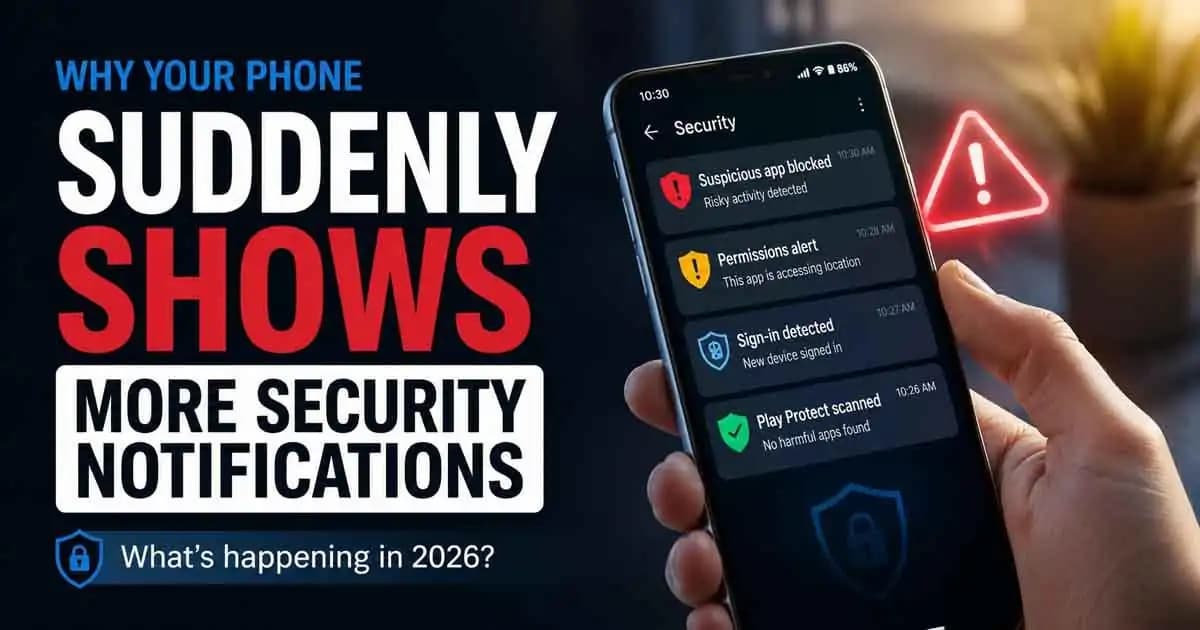
Phone security notifications have become noticeably more common for many people in 2026. A phone that once stayed quiet might suddenly start warning about suspicious apps, unsafe websites, blocked permissions, account sign-ins, or possible tracking activity. For some users, it feels like their device has become “paranoid” overnight. Others assume their phone has already been hacked.
In reality, something more complicated is happening.
Over the past two years, smartphones especially Android devices have Changed the way they monitor digital risks. At the same time, scams, tracking techniques, fake apps, and hidden background activity have become more aggressive and harder to detect. The result is a world where phones are speaking up more often because the internet around them has become noisier, riskier, and far more automated.
Why Android Phones Are Showing More Alerts in 2026
Many users first notice this during ordinary moments. You install a shopping app and suddenly receive a warning about screen overlay permissions. You open a browser tab and Chrome flags a dangerous page. Google Play Protect quietly scans an app and says it was removed for security reasons. Samsung, Xiaomi, and other manufacturers now send account security Alerts that never appeared a few years ago.
To someone using their phone normally, it can feel random.
But most of these notifications are not random at all.
Modern smartphones now act more like active security systems than simple communication devices. Years ago, security mostly stayed hidden in the background unless something went seriously wrong. In 2025 and 2026, phone operating systems increasingly try to predict risk before damage happens. That shift Changed (1) the experience of everyday phone use.
Mobile Scams Are Becoming More Advanced
A major reason behind this change is the explosion of mobile-focused scams.
Cybercriminals no longer focus only on computers. Phones have become the center of personal life: banking, messaging, authentication codes, work accounts, Family photos, cloud storage, digital payments, and identity verification all live inside one device. That makes smartphones extremely valuable targets.
Because of this, attackers now design scams specifically for mobile behavior.
Many Modern scams rely on speed and distraction rather than technical hacking. A fake delivery message arrives while someone is busy. A QR code leads to a cloned login page. A harmless-looking flashlight app secretly requests accessibility permissions. Some malicious apps even hide behind ordinary tools like PDF readers, battery cleaners, or wallpaper apps.
Why Phone Security Notifications Became More Sensitive
Security systems have adapted by becoming more sensitive.
This is why users suddenly see alerts like:
- “This app is accessing sensitive permissions”
- “This site may be unsafe”
- “Unknown tracker blocked”
- “Sign-in attempt detected”
- “Background activity restricted”
- “App removed to protect your device”
In many cases, the phone is not saying you are already compromised. It is warning that certain patterns resemble known attack behavior.
Another reason notifications increased is that apps themselves now collect far more data than before.
A weather app may request precise location access all day. A photo editing app may ask for contacts, microphone access, notifications, and storage permissions together. Some apps continuously run in the background, monitor activity, or Attempt aggressive advertising tracking.
Android Privacy Features Are More Visible Now
Operating systems have become stricter about showing users what apps are actually doing.
Several Android updates introduced clearer privacy indicators, automatic permission resets, microphone and camera alerts, clipboard access warnings, and tighter restrictions around accessibility features. Features that once operated silently are now visible.
For many people, the notifications feel new only because the phone is finally revealing behavior that always existed.
There is also a psychological side to this shift.
Tech companies learned that users often ignore security until after something bad happens. Modern security design therefore focuses on visibility. Instead of quietly handling everything in the background, devices increasingly surface warnings directly to users.
The Problem of Notification Fatigue
This creates mixed reactions.
Some people become more cautious and informed. Others experience “notification fatigue,” where constant alerts start blending into background noise. That fatigue is becoming a serious issue in 2026 because users now receive security prompts from multiple layers at once:
- Android or iOS system alerts
- Browser warnings
- Antivirus notifications
- Banking app security checks
- Google account alerts
- Two-factor authentication prompts
- Carrier spam warnings
- Manufacturer security services
When too many warnings appear, users sometimes stop paying attention entirely. Ironically, this can make real threats harder to recognize.
Not Every Security Warning Means Your Phone Is Hacked
Not every security notification is equally important.
Some alerts are informational, while others indicate genuine risk. A permission reminder is very different from repeated unauthorized login attempts or warnings about sideloaded applications. The difficulty is that many users cannot easily tell the difference.
This confusion became worse as fake security alerts also increased.
Some malicious apps now imitate system notifications to scare users into clicking fake cleanup tools or fake antivirus downloads. Fraudulent browser pop-ups frequently claim the device is infected, overheating, or compromised. These fake warnings are designed to create panic.
Real system notifications usually appear inside official Android or device settings not as flashing web pages demanding immediate action.
AI Is Changing Mobile Security Threats
Artificial intelligence is also changing the landscape.
In 2026, many scams adapt dynamically to user behavior. Suspicious websites can generate convincing fake login pages in seconds. Phishing messages increasingly mimic natural human conversation. Some malware campaigns automatically adjust permissions requests depending on the device model.
Security systems respond with more behavioral monitoring instead of relying only on traditional virus detection.
That means phones now pay closer attention to unusual actions, such as:
- Apps attempting hidden installations
- Accessibility abuse
- Overlay attacks
- Unexpected clipboard reading
- Rapid notification access requests
- Suspicious battery optimization bypass attempts
As a result, users see more warnings even when malware is never fully installed.
Why Smartphone Brands Emphasize Security More Today
Phone manufacturers are also competing more aggressively on privacy and security reputation. Security has become a marketing feature. Companies want users to feel that their devices actively protect them, so security dashboards, alerts, and Account monitoring have become more visible across Android ecosystems.
In some cases, regional regulations also pushed companies toward greater transparency. Governments and privacy regulators increasingly expect platforms to disclose tracking behavior and data access more clearly. That pressure influences how phones display alerts.
Still, more notifications do not always mean your phone is unsafe.
Often, they simply mean your device has become more transparent about risks that were previously invisible.
What Users Should Actually Pay Attention To
Many people assume security means installing antivirus software and avoiding obvious scams. Modern mobile security is more subtle. It involves permissions, account protection, software updates, cloud syncing, browser behavior, biometric authentication, app ecosystems, and identity verification systems working together.
Even normal habits now carry new risks.
Downloading apps from unofficial sources, clicking shortened URLs, sharing verification codes, granting accessibility permissions too quickly, or ignoring update prompts can create openings attackers exploit later.
Most mobile compromises today happen through manipulation and trust not dramatic “movie-style” hacking.
That is why phones increasingly interrupt users with warnings.
The device is trying to slow decisions down before damage happens.
The Real Meaning Behind More Security Notifications
For everyday users, the healthiest response is not panic. It is awareness.
If notifications suddenly increase, it is worth checking a few things calmly:
- Which apps recently gained new permissions?
- Are apps being installed from outside official stores?
- Did browser notifications become spammy?
- Is the phone overdue for updates?
- Are unknown devices signing into important accounts?
- Did a recently installed app change battery or background behavior?
Often, the answer is surprisingly ordinary.
A new app update may trigger stricter permission checks. A browser may have enabled spam notifications accidentally. A system update may introduce new privacy warnings users never saw before.
The internet itself has changed faster than many people realize. Phones are adapting to that change in real time.
And in 2026, silence is no longer what modern security looks like.
FAQ
Why is my Android phone suddenly showing security warnings?
New Android updates and security systems now detect risky behavior more aggressively. Many warnings are preventive and do not necessarily mean your phone is infected.
Are phone security notifications always real?
No. Real system alerts usually come from Android, your device settings, Google Play Protect, or trusted security apps. Fake browser pop-ups often imitate security warnings to scare users.
Why do apps ask for so many permissions now?
Many apps collect more data for advertising, tracking, analytics, or advanced features. Modern phones now display permission activity more clearly than before.
Should I worry if Google Play Protect removes an app?
Usually, it means Google identified potentially risky behavior. Removing the app and reviewing recent downloads is generally a smart step.
Can too many security notifications become a problem?
Yes. Constant alerts can create “notification fatigue,” causing users to ignore important warnings. Understanding which alerts matter most is becoming increasingly important.





