



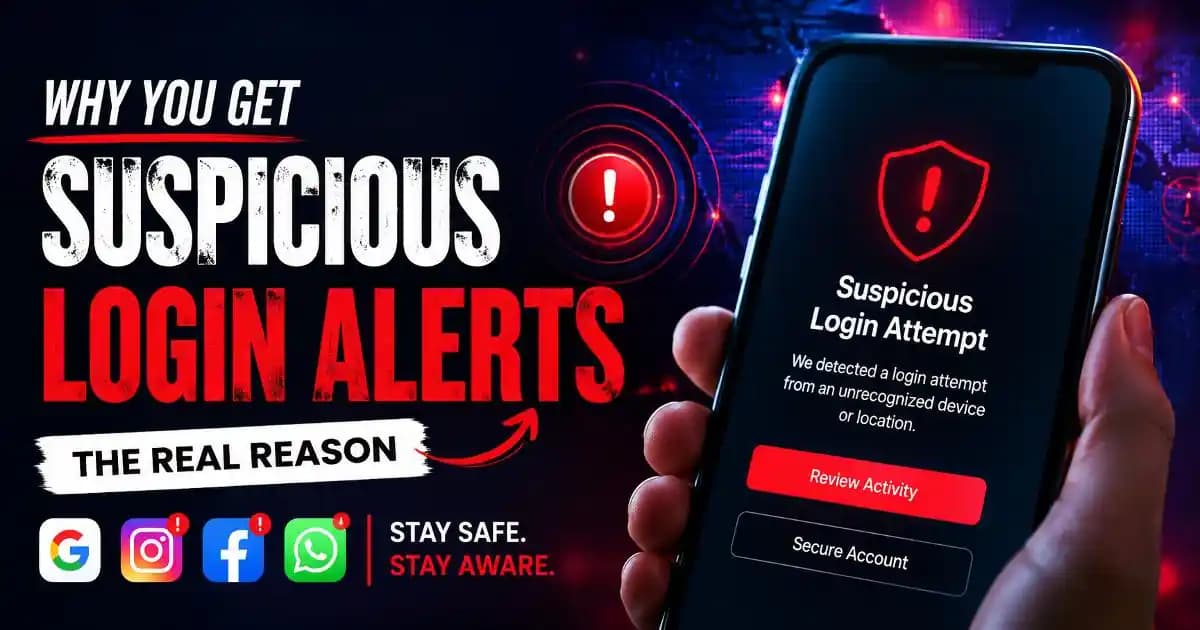
Why a Suspicious Login Attempt Alert Suddenly Appears
A suspicious login attempt alert usually appears at the worst possible moment. Someone opens Instagram during lunch, checks Gmail before bed, or unlocks WhatsApp after work and suddenly sees a warning saying a login was blocked, detected, or reviewed from another device or location. For many users, the first reaction is panic. Some immediately think they were hacked. Others rush to change passwords everywhere within seconds.
What makes these alerts unsettling is how personal they feel. Modern platforms no longer quietly monitor account activity in the background. In 2026, services like Google, Facebook, Instagram, and WhatsApp (1) actively notify users when something about a login behaves differently from their usual patterns. Sometimes the alert is protecting the account from a real attack. Other times, it is reacting to ordinary behavior that simply looks unusual to automated systems.
The important thing most users do not realize is that these systems do not actually know who is sitting behind the screen. They rely on signals, patterns, probabilities, and behavioral comparisons.
How Platforms Decide a Login Looks “Suspicious”
Every major platform now tracks account behavior continuously. Not private conversations or personal thoughts, but technical patterns connected to how accounts are normally used.
For example, if someone usually logs into Facebook from Hyderabad using an Android phone connected to the same Wi-Fi network every evening, the system slowly learns that pattern. Over time, this becomes a “trusted behavior profile.”
Then one day the same account suddenly attempts a login from another city, a different browser, an unfamiliar IP address, or a device with unusual settings. The platform compares this new activity against historical behavior. If enough details feel inconsistent, a suspicious login attempt alert is triggered automatically.
What surprises many users is how sensitive these systems have become by 2026. A person does not need to travel internationally to trigger alerts anymore. Even smaller changes can cause warnings, including:
Using a VPN for privacy or streaming, switching between mobile data and public Wi-Fi repeatedly, logging into multiple accounts rapidly, clearing browser cookies, using incognito mode often, or signing in through third-party apps.
Many users first encounter these alerts after buying a new phone. Others see them after an operating system update changes device identifiers in the background.
Why Instagram, WhatsApp, Facebook, and Google Trigger Alerts Differently
Although the warnings may look similar, each platform evaluates risk differently.
Google tends to focus heavily on device trust and account recovery protection because Gmail accounts often connect to banking apps, cloud storage, and identity verification systems. A login from an unfamiliar browser combined with failed password attempts can quickly trigger security reviews.
Instagram and Facebook pay closer attention to behavioral abuse patterns. Their systems constantly battle spam bots, fake engagement networks, stolen sessions, and automated scraping tools. Because of this, rapid activity changes sometimes look suspicious even when real users are involved.
WhatsApp operates slightly differently because accounts are tied directly to phone numbers and device registrations. Many WhatsApp login warnings happen during device migration, SIM swaps, or verification code requests. In recent years, scammers have also increasingly targeted users through fake verification attempts, which has made WhatsApp more aggressive about unusual login activity.
These differences explain why someone might receive repeated alerts on Instagram while their Google account remains completely quiet.
Why These Alerts Became More Common After 2024
Users across social platforms started noticing more suspicious login notifications between 2024 and 2026. That increase is not imaginary.
Several things changed at the same time.
First, credential leaks became far more widespread. Old passwords from forgotten apps regularly appear in automated databases used by attackers. Even users who never experienced a direct hack may still have old credentials circulating online from unrelated breaches years ago.
Second, automated login testing became faster because attackers increasingly rely on AI-assisted tools. Instead of manually targeting one account at a time, systems can now test massive combinations of leaked passwords across platforms within minutes.
At the same time, tech companies became more aggressive about proactive detection. Rather than waiting for a confirmed compromise, platforms now interrupt activity earlier whenever risk signals begin stacking together.
This means many alerts today are preventive, not reactive.
In other words, a suspicious login attempt alert often means the system noticed something unusual before damage happened.
When the Alert Is Actually Serious
Not every warning indicates danger, but some situations deserve immediate attention.
If users receive alerts while asleep, from countries they have never visited, or immediately after receiving phishing emails or fake verification messages, the risk becomes much higher.
Another warning sign is repeated verification code requests that users never initiated themselves. This can indicate someone is actively trying to access the account.
Unexpected password reset emails also matter. Many modern attacks begin quietly through account recovery systems rather than direct password guessing.
In 2026, attackers increasingly target sessions instead of passwords alone. This means stealing browser cookies, login tokens, or authentication sessions through malicious websites or fake apps. In those cases, users may still know their password while attackers temporarily gain account access elsewhere.
That is why platforms sometimes send suspicious login alerts even when no password change occurred.
Why Legitimate Users Accidentally Trigger These Warnings
One of the biggest misconceptions online is that only hacked users receive suspicious login attempt alerts.
In reality, completely normal behavior often causes them.
For example, travelers frequently trigger alerts because airports, hotels, and public networks constantly change geographic signals. People working remotely may appear to “move” between locations due to VPN routing or telecom infrastructure.
Users who frequently switch between Android, iPhone, tablets, desktops, and browser profiles also create fragmented behavior patterns that confuse automated systems.
Even browser privacy tools can contribute. Anti-tracking extensions, aggressive cookie deletion, and private browsing modes reduce the platform’s ability to recognize returning devices consistently.
Ironically, some users trying hardest to improve privacy end up looking more suspicious to automated security systems.
What Users Should Do After Receiving a Suspicious Login Attempt Alert
The best response is calm verification, not panic.
First, users should check whether the alert references a real login attempt or merely a blocked attempt. Many notifications clearly state that access was prevented automatically.
Next, review active sessions and logged-in devices inside account settings. Most major platforms now show approximate device type, location, and recent activity history.
If something unfamiliar appears, changing the password and enabling two-factor authentication is usually enough to secure the account quickly.
Users should also avoid clicking security links inside unexpected emails or SMS messages. Fake login alerts have become extremely common because attackers know these warnings create emotional urgency.
Whenever possible, security checks should be opened directly through the official app or website instead of through notification links.
Why These Alerts Will Continue Becoming More Common
Suspicious login attempt alerts are no longer rare technical warnings. They are now part of everyday digital life.
As more personal identity, payments, work, messaging, and cloud storage move into connected accounts, platforms are becoming increasingly sensitive to unusual activity.
In 2026, security systems rely less on static passwords and more on behavior analysis. Devices, typing rhythms, network patterns, login timing, and account habits all contribute to invisible trust scoring happening constantly in the background.
That means users will probably continue seeing more account alerts in the coming years, not fewer.
But the presence of an alert alone does not automatically mean an account has been hacked. Often, it simply means the platform noticed something different enough to ask a second question before granting access.
Understanding that difference helps users react rationally instead of emotionally.
FAQs
Does a suspicious login attempt alert mean someone knows my password?
Not necessarily. Many alerts are triggered before a login succeeds. Platforms may detect unusual devices, locations, or automated behavior without confirming that the password was correct.
Can using a VPN trigger suspicious login alerts?
Yes. VPNs can change apparent location and IP address rapidly, which often causes platforms to classify the login as unusual activity.
Why do I keep getting Instagram suspicious login attempt alerts?
Instagram aggressively monitors account behavior for spam and automation risks. Frequent device switching, browser changes, VPN usage, or repeated login attempts can all trigger warnings.
Should I change my password every time I receive one of these alerts?
If the login attempt was unfamiliar or came from an unknown location, changing the password is a good precaution. If the activity clearly matches your own actions, it may not be necessary.
Can fake suspicious login alerts be scams?
Yes. Phishing emails and fake SMS alerts often imitate Google, Facebook, or Instagram security notifications. Users should always verify alerts directly through official apps or websites.





