



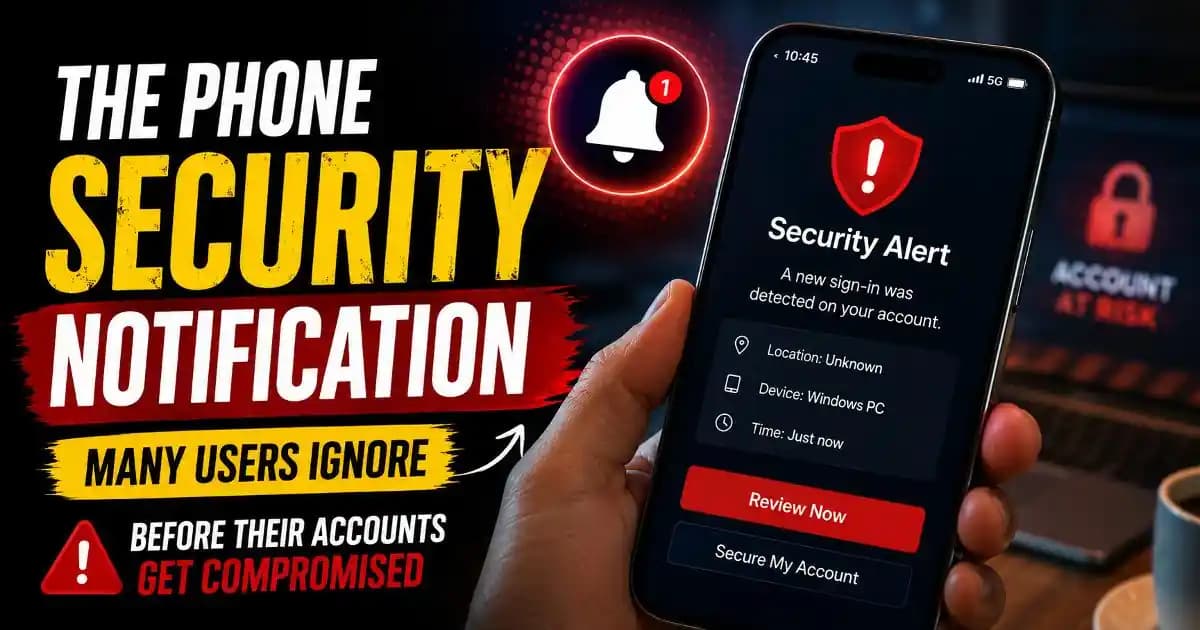
The Phone Security Notification Many Users Dismiss Too Quickly
Phone security notification alerts usually appear during ordinary moments. Someone unlocks their phone during work, sees a small warning banner, swipes it away, and continues scrolling. Sometimes the message says a new device signed in. Other times, it mentions unusual activity, app permissions, password exposure, or verification requests.
Most people assume these notifications are routine background noise. Modern phones produce so many alerts every day that users naturally become less sensitive to them. But security researchers and consumer protection agencies have repeatedly warned that many compromised accounts are preceded by small, ignored warnings that seemed harmless at the time.
In 2026, phones have become identity hubs. Banking apps, messaging accounts, cloud storage, social media profiles, work logins, digital payments, and verification systems all live inside the same device. That means even a subtle warning can sometimes indicate a larger security issue developing quietly in the background.
What makes these notifications difficult is that they rarely look dramatic. They are intentionally designed to feel calm and informational. Yet the behavior behind them can reveal phishing attempts, session theft, account recovery abuse, malicious app permissions, or unauthorized device access.
Why Modern Security Notifications Look Less Urgent Than Real Danger
Mobile platforms changed significantly between 2024 and 2026. Companies like Google, Apple, Meta, Samsung, and Microsoft reduced aggressive warning styles because users were becoming overwhelmed by alert fatigue.
As a result, many modern security warnings appear softer and more integrated into the normal interface. Instead of flashing red danger screens, users often see subtle prompts like:
- “Review recent login activity”
- “Your password appeared in a data breach”
- “New device connected”
- “App accessed sensitive permissions”
- “Verify it’s really you.”
The calmer design improves user experience, but creates another problem: people underestimate the importance of the notification.
Researchers studying digital behavior have observed that many users now associate dangerous activity only with obvious warnings. Quiet notifications feel less threatening, even when they are directly connected to account compromise attempts.
How Attackers Exploit Human Notification Habits
Cybercriminals increasingly understand how users behave on mobile devices. Most people interact quickly, multitask constantly, and rarely stop to inspect security details carefully.
Attackers rely on this behavior.
For example, phishing protection systems may send a phone security notification after someone enters credentials into a fake login page. But if the user ignores the alert or delays reviewing it, attackers gain more time to access the account.
Some scams now intentionally create distraction before fraudulent activity begins. A user may receive multiple spam notifications, fake promotional messages, or verification prompts shortly before an actual security warning appears. The goal is psychological exhaustion.
In other cases, attackers trigger repeated login attempts intentionally so users become desensitized to unusual activity alerts over time.
This pattern became especially common across Instagram, Facebook, WhatsApp, Telegram, Google accounts, and crypto-related apps during 2025 and 2026.
The Notifications That Often Matter More Than Users Realize
Not every phone security notification signals immediate danger, but certain categories deserve careful attention.
Password exposure alerts are among the most important. Modern browsers and password managers now compare saved credentials against known breach databases. When a password appears in leaked datasets, phones may quietly recommend changing it.
Many users ignore these warnings because the affected password still “works.” But attackers frequently use old leaked credentials months or even years later through automated testing systems.
Another commonly ignored warning involves app permissions. Phones increasingly notify users when apps access microphones, cameras, clipboard data, precise location tracking, or SMS permissions unexpectedly.
These alerts matter because malicious or overly aggressive apps often abuse permissions long before users notice suspicious behavior directly.
Verification security notifications also deserve attention. Messages about new recovery methods, authentication changes, or device registrations can indicate attempts to prepare for future account takeover.
Sometimes the account is not compromised yet. The attacker may simply be testing recovery pathways quietly.
Why Mobile Users Are More Vulnerable in 2026
Mobile behavior itself has changed.
People now manage nearly every part of digital life through phones instead of desktops. Password resets, banking approvals, QR logins, one-time passwords, cloud backups, and identity verification all happen inside small screens viewed quickly between tasks.
This creates what security experts call compressed attention behavior.
Users scan rather than read. They tap rather than investigate. Notifications are processed emotionally instead of analytically.
At the same time, scams became more psychologically sophisticated. Social engineering attacks now mimic familiar app behavior extremely well. Fake security prompts increasingly resemble legitimate Google or Apple system notifications.
This overlap between real and fake alerts makes digital literacy more important than ever.
Understanding what notifications mean and when they deserve action is now part of basic online safety.
Why Some Notifications Appear Even Without Hacking
One reason people stop trusting security alerts is because legitimate activity can also trigger them.
Traveling, switching devices, using VPNs, resetting browsers, installing beta software, or logging into accounts from work networks may all generate unusual activity notifications.
Cloud systems evaluate behavior probabilistically rather than personally. They do not truly know who owns the device. Instead, they compare behavior patterns against historical usage.
That means even normal actions can appear risky temporarily.
But dismissing all alerts because some are false positives creates dangerous habits. Modern account security depends heavily on user awareness and quick verification behavior.
The Growing Role of AI in Mobile Security Warnings
Many users do not realize that artificial intelligence now helps generate a large portion of modern phone security notification systems.
Machine learning models continuously analyze login timing, typing patterns, location consistency, device trust signals, network reputation, app behavior, and authentication anomalies.
Instead of waiting for confirmed hacking, systems increasingly predict suspicious behavior before visible damage occurs.
This predictive approach explains why users sometimes receive alerts even when no account breach is obvious yet.
At the same time, AI-generated phishing campaigns have become more convincing. Fake emails, cloned interfaces, deepfake voice calls, and synthetic verification scams now imitate legitimate security communication more effectively than older scams.
That means users must evaluate not only whether a warning exists, but whether the warning itself is authentic.
How Users Can Respond More Safely Without Panicking
The healthiest response to a phone security notification is calm verification.
Users should avoid tapping urgent links inside random emails or SMS messages. Instead, they should open the official app or account settings directly.
Reviewing login sessions, checking connected devices, enabling multi-factor authentication, updating passwords, and removing suspicious app permissions are usually more effective than reacting emotionally.
It also helps to develop better notification habits. Security-related alerts should not be treated like ordinary marketing notifications.
Even a brief pause to read details carefully can prevent phishing attacks, identity protection problems, account recovery fraud, or social engineering manipulation.
In many real-world cases, the ignored warning itself was not the compromise. It was simply the final opportunity to stop the compromise before it succeeded.
Why These Notifications Will Matter Even More Going Forward
As digital identity becomes increasingly connected across apps, devices, payment systems, cloud services, and AI-powered platforms, phone-level security alerts will continue becoming more important.
Future online safety will rely less on single passwords and more on behavioral trust systems operating silently in the background.
That means users who understand modern security explainers, verification security, authentication guides, phishing protection, and digital literacy concepts will be better prepared to recognize meaningful warning signs early.
The notification itself may look small. But the behavior behind it can reveal far more than most people realize.
FAQs
What is a phone security notification?
A phone security notification is an alert related to account safety, login activity, app permissions, password exposure, or unusual behavior detected on a mobile device.
Should I worry about unusual login notifications?
Not always, but they should be reviewed carefully because they can indicate unauthorized access attempts or suspicious activity.
Can fake apps trigger security notifications?
Yes. Some malicious apps abuse permissions or imitate legitimate behavior, which can lead to warnings from Android, iPhone, or app security systems.
Why do phones warn about leaked passwords?
Modern browsers and password managers compare credentials against known breach databases to help users avoid password reuse risks.
Are phone security notifications becoming more common?
Yes. Mobile platforms increasingly rely on behavioral analysis and AI systems to detect unusual activity earlier than before.





