


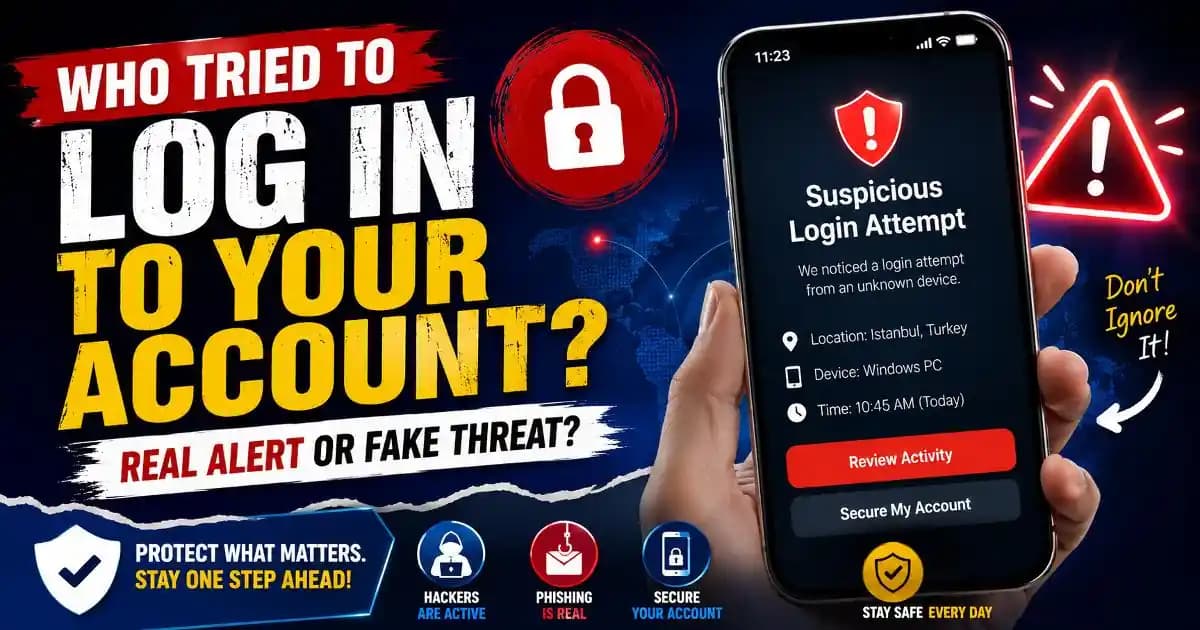
Suspicious login notification alerts usually appear at the worst possible moment. A person checks their phone during work, late at night, or while traveling and suddenly sees a warning saying someone may have tried to access their account. Sometimes the notification includes a location the user does not recognize. Other times it mentions a new device, browser, or failed login attempt.
For many people, these alerts create immediate anxiety because digital accounts now contain personal conversations, photos, financial information, saved passwords, and private records connected to everyday life.
In some situations, the alert is triggered by a real security risk. In others, it may simply reflect unusual but harmless account activity. The problem is that most users cannot immediately tell the difference.
This uncertainty has become increasingly common during 2025 and 2026 as online platforms expand automated security monitoring systems designed to detect suspicious behavior faster than before.
Why platforms send suspicious login alerts
Modern apps and websites constantly analyze account activity behind the scenes. Security systems look for patterns that differ from a user’s normal behavior.
These systems may trigger a suspicious login notification after:
- Logging in from a new device
- Changing internet locations suddenly
- Using a VPN or public Wi-Fi
- Entering passwords incorrectly multiple times
- Switching browsers frequently
- Traveling internationally
- Using automated tools or unusual software
Platforms compare these actions against previous login history. If something looks unfamiliar, the system may temporarily block access, request identity verification, or send a warning notification.
From a security perspective, these alerts are designed to reduce account takeover risks. But from a user perspective, they often feel alarming because they arrive without context.
Many people immediately assume their account has already been hacked, even though the notification may only indicate a login attempt or an automated risk check.
Why login alerts have become more common
One major reason suspicious login notifications increased during recent years is the growing scale of automated cybercrime. Attackers now use massive databases of leaked passwords and email addresses collected from previous data breaches.
These databases are often used in credential stuffing attacks, where attackers automatically test stolen passwords across multiple platforms.
For example, if a password leaked from an old shopping site matches the password used on email or social media accounts, attackers may attempt automated logins.
Even unsuccessful attempts can trigger security warnings.
This is why cybersecurity experts increasingly recommend strong password security habits and unique passwords for every major account.
At the same time, companies have improved threat-detection systems significantly. Platforms now monitor device fingerprints, typing patterns, IP changes, behavioral signals, and unusual session activity more aggressively than before.
As a result, users receive more alerts simply because detection systems are more sensitive and more active.
When suspicious login alerts are legitimate
Not every notification indicates a scam. Many are real protective measures generated by trusted platforms.
For instance, logging into an account from another city while traveling may legitimately trigger a warning. So can signing in after changing phones or reinstalling apps.
Using public Wi-Fi networks can also confuse automated systems because the internet address may appear inconsistent or associated with unusual activity.
In other cases, the alert reflects a genuine attempted login by another person. This may happen if:
- A password was leaked previously
- Someone guessed a weak password
- Phishing attacks captured credentials
- Malware accessed saved passwords
- A shared device remained logged in
These situations explain why account protection has become more connected to everyday digital habits rather than just technical expertise.
How scammers exploit login notifications
Ironically, scammers now imitate suspicious login alerts because users already associate them with urgency and danger.
Many phishing campaigns send fake notifications pretending to come from major platforms, banks, streaming services, or social media apps. The messages claim someone attempted to access the account and pressure users to “secure” it immediately.
The goal is usually to steal passwords, authentication codes, or payment information.
Some fake notifications direct users to cloned login pages designed to look identical to official websites. Others encourage victims to call fraudulent support numbers where attackers impersonate security staff.
This overlap between real security systems and fake warnings has made phishing protection increasingly difficult for ordinary users.
Attackers understand that emotional urgency reduces careful thinking. A person worried about losing access to email, banking apps, or messaging accounts is more likely to react quickly without verifying the source properly.
Why mobile behavior increases confusion
Most suspicious login notification alerts are now viewed on smartphones rather than desktop computers. Mobile screens limit visual context, which makes it harder to inspect links, domain names, and security indicators carefully.
Users also process notifications rapidly while multitasking. Many alerts appear during stressful or distracting moments. This speed creates opportunities for mistakes.
Digital behavior researchers increasingly describe this as “notification reflex.” Users are conditioned to react immediately instead of slowing down and evaluating information critically.
At the same time, apps themselves encourage quick responses through pop-ups, push alerts, and one-tap verification systems.
This environment makes digital literacy more important than ever. Understanding how modern authentication systems work helps users distinguish between legitimate protection measures and manipulative scare tactics.
What users should do after receiving a suspicious login notification
The safest first step is remaining calm. A suspicious login notification does not automatically mean an account was compromised successfully.
Users should verify the alert by opening the official app or website manually rather than clicking links directly inside messages or emails.
It is also wise to:
- Review recent login activity
- Change passwords if necessary
- Enable two-factor authentication
- Log out of unfamiliar devices
- Check recovery email settings
- Watch for related security alerts
Using password managers can improve identity protection by helping users maintain unique credentials across services.
If repeated login alerts continue appearing unexpectedly, it may indicate that leaked credentials are circulating online or that attackers are repeatedly attempting access.
In those cases, updating passwords and strengthening authentication settings quickly becomes especially important.
Why these notifications matter beyond security
Suspicious login notifications reveal something larger about modern online life. Digital platforms increasingly depend on automated trust systems that constantly evaluate user behavior in the background.
These systems are designed to protect users, but they also shape how people emotionally experience online safety. Repeated warnings can create stress, confusion, and alert fatigue.
Some users begin ignoring alerts entirely after seeing too many notifications. Others become anxious even during harmless account activity.
That balance between awareness and panic is becoming one of the defining challenges of modern online safety.
The goal is not treating every alert as proof of disaster. It is understanding why these notifications appear, recognizing how scams imitate them, and developing calmer, more informed responses when account warnings suddenly appear on screen.
Frequently Asked Questions
Does a suspicious login notification mean my account was hacked?
Not always. It may simply indicate an unusual login attempt or device change.
Can VPNs trigger suspicious login alerts?
Yes. VPNs can make your login location appear different and trigger automated warnings.
Should I click links inside login alert emails?
It is safer to open the official app or website manually instead of using embedded links.
Why do I receive repeated login attempt notifications?
It may indicate automated attackers are testing leaked or reused passwords against your account.
What is the best protection against account takeover attempts?
Use strong unique passwords and enable two-factor authentication on important accounts.