



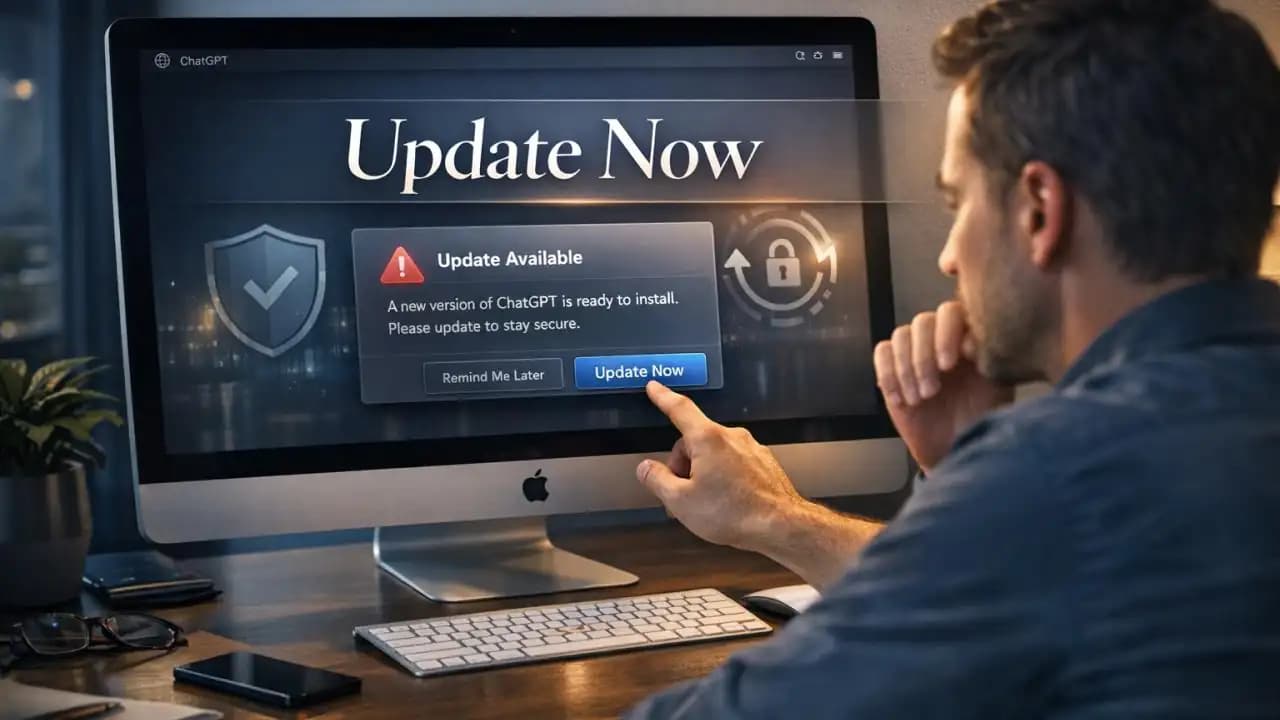
ChatGPT app update notices are getting attention for a simple reason: some users could lose access if they stay on an older version. If you use the ChatGPT desktop app on your Mac every day for work, study, or quick tasks, this is the kind of alert you should not ignore. OpenAI has warned users to update immediately after a security issue linked to a third-party component.
For many people, app updates feel optional until something breaks. This time, the warning is more practical than routine. The update is tied to both security protection and continued app access.
What Is Happening With This ChatGPT App Update Warning?
OpenAI has issued an advisory asking users to install the latest ChatGPT app update. The message is aimed at people using the desktop app, especially on macOS, where older versions may no longer be trusted or supported after a deadline.
The core reason is straightforward. When a software provider finds a serious issue, it may require users to move to a safer build to keep the service secure and working properly.
Why users are being asked to update
The request is not just about getting new features. It is about closing a security gap and making sure the app keeps functioning as intended. If a vulnerable component remains in an older version, leaving it in use can create unnecessary risk for both the user and the platform.
What Caused the Issue?
Reports pointed to a third-party security vulnerability, including coverage from Axios. In plain terms, the problem was not necessarily the app's main code alone, but a dependency in the software chain that could expose users or systems if left unpatched.
This is a classic supply chain security issue. Many apps rely on external tools, libraries, and services. If one of those pieces has a flaw, the risk can pass down into the app people use every day.
Why supply chain risks matter
Users often assume an official app is safe as long as it comes from a trusted company. Usually that is true, but modern software is built from many connected parts. That is why timely updates matter. They fix weaknesses that may not be visible to the average user.
Why It Matters
If you rely on ChatGPT for daily tasks, losing access can interrupt work right away. A missed update can mean more than a warning badge on the screen. It can leave you unable to open or use the app normally after support for older versions is restricted.
There is also the privacy side. Security updates help reduce the chance of misuse, unauthorized access, or exposure through known weaknesses. Even if you have not noticed any issue yourself, attackers often target outdated software precisely because users delay updates.
What Could Happen If You Do Not Update?
The most immediate risk is loss of access. OpenAI's warning suggests that older versions may stop working after a certain point. If that happens, the app may fail to connect, refuse to launch properly, or no longer be supported.
The second risk is security exposure. An older build may contain known weaknesses that have already been fixed in newer versions. Staying on that version gives those weaknesses more time to be exploited.
Main risks of delaying the update
- The app may stop working after the deadline
- You may lose access to normal features or account connectivity
- Your device may remain exposed to a known security issue
- Troubleshooting later may take longer than updating now
Who Is Affected?
The warning matters most to macOS users and people using the ChatGPT desktop app. If you mainly use ChatGPT in a browser, this specific update path may not affect you in the same way. Still, desktop app users Should check their version as soon as possible.
If you installed the app a while ago and have ignored updates, you are more likely to be affected than someone who updates automatically.
Recent Trends in App Security From 2024 to 2026
From 2024 through 2026, software warnings like this have become more common across major apps and platforms. Companies are moving faster when they find a security issue in third-party tools, authentication systems, or desktop software components.
Three trends stand out:
- More apps are enforcing minimum supported versions
- Supply chain vulnerabilities are being disclosed more openly
- Users are being pushed toward automatic updates for security reasons
That means update warnings are no longer routine background noise. In many cases, they are now direct action alerts.
What You Should Do Now
If you use the ChatGPT desktop app, update to the latest version immediately. Check the official app source, confirm the version, and install any available patch. Do not wait until the app stops working.
Avoid continuing to use older versions, even if they seem fine today. Security issues often do not show obvious signs until after damage is done or access is interrupted.
Quick steps to follow
- Open the official ChatGPT desktop app
- Check for updates or download the latest version from the official source
- Install the update and restart the app if needed
- Remove any unofficial or outdated copies on your device
Practical Awareness Tips for Safer App Use
Good app safety habits reduce the chance of problems like this affecting you later. A few simple steps make a real difference.
- Always install updates for apps you use regularly
- Download apps only from official websites or trusted app stores
- Avoid modified, cracked, or unofficial versions
- Turn on automatic updates where possible
- Pay attention to security advisories from the company behind the app
Updating your app ensures both security and continued access. If you use ChatGPT on desktop, this is one update worth doing right away.
FAQs
Why is the ChatGPT app update important right now?
It addresses a security issue and may be required to keep the app working without interruption.
Who needs to pay the most attention to this warning?
macOS users and people using the ChatGPT desktop app Should (1) check their version first.
What happens if I keep using an old version?
You could face security risks, compatibility problems, or loss of access after the support deadline.
Is the issue related to a third-party component?
Yes. Reports indicate the problem involved a third-party security vulnerability, which is why updating matters.
Should I use unofficial copies if the official app stops working?
No. Only use official versions. Unofficial apps can create even bigger security and privacy risks.





