



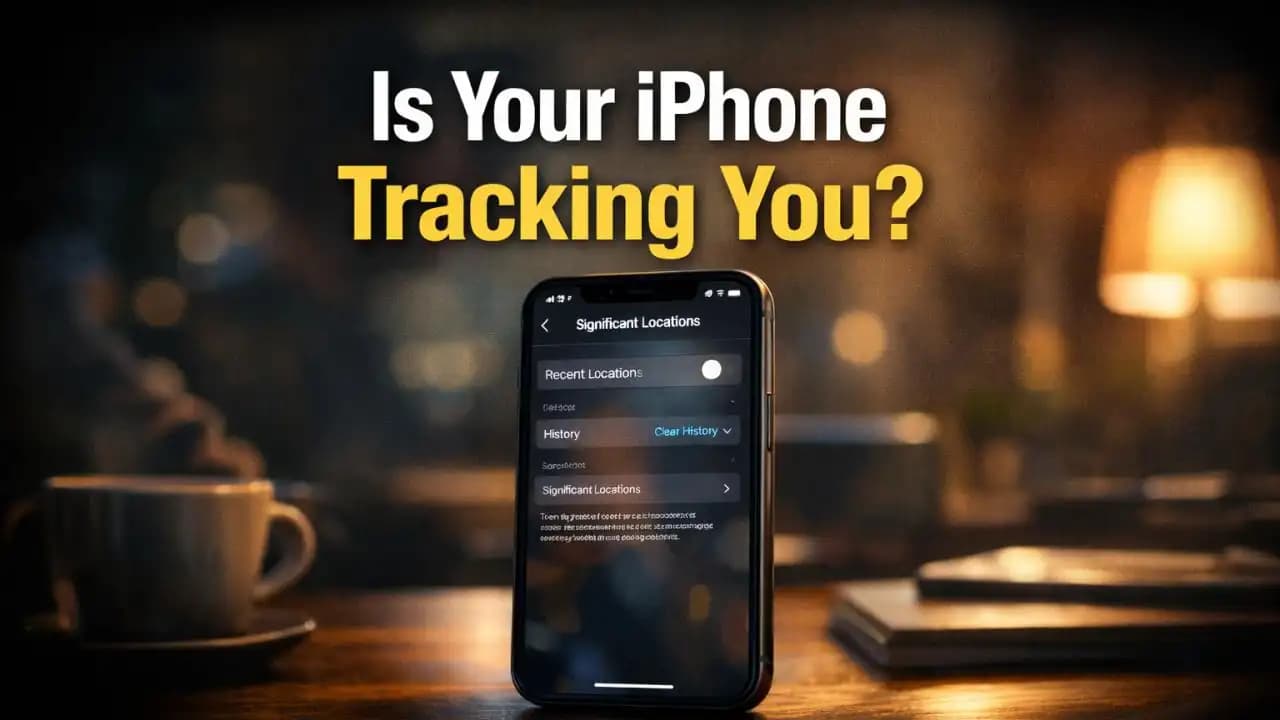
iPhone Significant Locations is quietly recording where you go, how long you stay, and how often you return most people only discover it when they stumble across it deep in settings in 2026, often by accident.
You might open your iPhone Settings looking for something simple maybe battery usage or app permissions and end up finding a hidden map of your daily life. Home, work, that café you visit every weekend… all logged.
And the uncomfortable part? It’s been doing this for years.
What “Significant Locations” Actually Tracks
If you’ve never heard of it, you’re not alone.
“Significant Locations” is a built-in iPhone feature designed to learn your routines. Apple says it helps improve services like Maps, Calendar suggestions, and traffic predictions.
But what it actually stores is far more detailed than most users expect:
- Exact places you visit
- Dates and times of each visit
- How frequently you go there
- How long you stay
- Patterns of movement between locations
This isn’t just general location tracking it’s a behavioral map of your daily life.
The data is stored on your device and Protected behind Face ID or passcode, which is why many users never see it. It’s buried several layers deep, and unless you go looking for it, it stays invisible.
Why This Data Can Be a Serious Privacy Risk
At first glance, it may not seem like a big deal. After all, your phone already uses location for maps and weather.
But this is different.
This feature doesn’t just track where you are it tracks your habits.
Think about what that means in real life:
- Your home address is obvious
- Your workplace becomes predictable
- Your daily routine becomes easy to map
- Your frequently visited places reveal your lifestyle
If someone gains access to your unlocked phone, even briefly, this data can tell a detailed story about you.
In recent months, more users have started sharing screenshots of their “Significant Locations” history Online, often surprised by how accurate and personal it is.
How Accurate Location Data Can Identify You
There’s a reason privacy researchers pay attention to this kind of data.
Even a small number of location points can uniquely identify a person.
A well-known study found that just a handful of location data points can narrow down identity with extremely high accuracy even in large populations.
Your movement patterns are more unique than your name.
For example:
- Visiting the same office building every weekday
- Returning to the same home every night
- Stopping at specific gyms, shops, or routes
These patterns create a fingerprint that’s hard to hide.
In 2025–2026, as more apps rely on behavioral data, this kind of Tracking has become more valuable not just for convenience, but for profiling.
Where to Find “Significant Locations” on Your iPhone
Most users don’t even know where to look.
That’s partly why the feature goes unnoticed for so long.
To check it, you’ll need to go several layers deep into your settings. Once there, your phone will require Face ID or passcode before showing anything.
When you open it, you’ll typically see:
- A list of cities or areas you’ve visited
- Expanded entries showing exact locations
- Time stamps and visit frequency
For many people, this is the moment it clicks your phone has been keeping a quiet record all along.
How to Clear and Disable Location History
Once you’ve seen it, the next question is obvious: can you turn it off?
Yes and you probably should, depending on your comfort level.
You can:
- Clear the entire history with one tap
- Turn off the feature completely so it stops recording future data
After disabling it, your iPhone will no longer build that detailed log of your movements.
Some users prefer to leave it on for convenience features, but in the past year, more People are choosing to disable it after realizing how detailed the tracking really is.
Other iPhone Privacy Settings Worth Checking
“Significant Locations” is just one piece of a bigger picture.
If you’re reviewing your privacy settings, there are a few other areas worth a quick look:
- Location Services per app – Some apps track location even when not in use
- System Services – Hidden features that use location in the background
- Frequent app tracking permissions
- Bluetooth and nearby device scanning
Most privacy risks don’t come from one setting they come from many small permissions adding up.
Over time, especially with new apps and updates in 2025–2026, these permissions can quietly expand.
Why More People Are Turning This Off in 2026
In the past, features like this were rarely discussed outside tech circles.
Now, they’re showing up more often in everyday conversations, social media posts, and short-form videos.
People are becoming more aware of:
- How much data their phones collect
- How detailed behavioral tracking has become
- How easy it is to overlook hidden settings
It’s not about panic it’s about awareness.
Most users aren’t trying to eliminate all tracking. They just want to understand what’s happening and make informed choices.
A Quiet Reminder About Your Digital Footprint
Your iPhone is designed to be helpful. It learns your habits to make things faster and smoother.
But sometimes, that convenience comes with more visibility into your life than you expected.
Taking a few minutes to check settings like “Significant Locations” isn’t about distrust it’s about control.
And for many people, simply knowing that this feature exists is enough to change how they think about their phone.
FAQs
Is iPhone Significant Locations turned on by default?
Yes, in most cases it’s enabled by default unless manually turned off.
Can Apple or apps see my Significant Locations data?
Apple states the data is encrypted and stored on your device, but it still exists locally and can be accessed if your phone is unlocked.
Does turning it off affect Maps or navigation?
It may reduce some personalized suggestions, but basic navigation works normally.
How often does iPhone update these locations?
It updates continuously based on your movement patterns and visits.
Is this the same as location tracking for apps?
No, this is a separate system-level feature focused on your routine patterns, not just app usage.





