



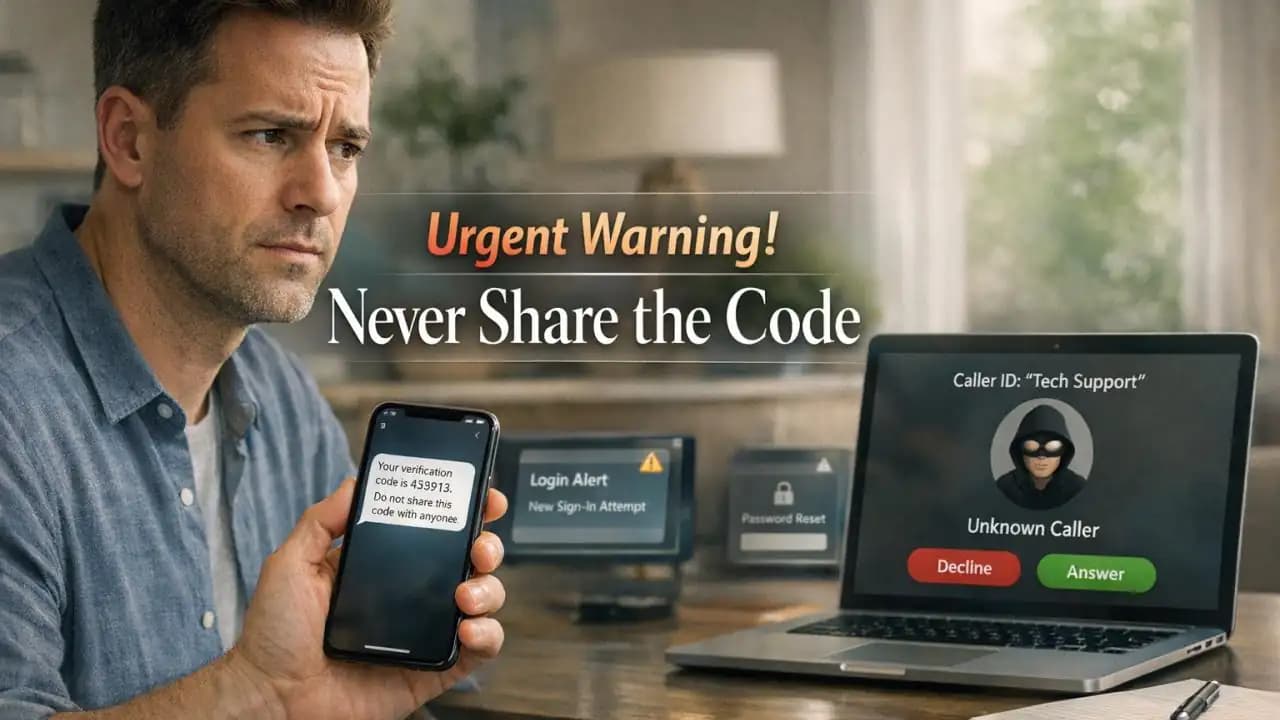
Verification code scam incidents often start with a routine moment. You get a text with a login code, then a caller says they are from your bank, email provider, delivery app, or workplace support team. They sound calm, they know part of your information, and they ask you to read the code back for "verification." Sharing a code can expose your account within seconds.
This scam works because many people think the code is only confirming their identity. In reality, that code is often the final key a scammer needs to sign in, reset a password, or bypass a Security check.
What is happening with these codes?
A Verification (1) code is a short number sent by text, email, or an authenticator app to confirm a login or action. It is sometimes called a one-time password or OTP.
These codes are meant for you only. If someone else asks for it, they may be trying to use your code to enter your Account, approve a password reset, or confirm a transaction.
Why the code matters
Many services use two-step Verification again as a safety layer. That is helpful, but it only works if the code stays private. Once you give it away, the scammer may pass the final security check and get access.
How scammers use the code
In many cases, the scammer already has your phone number, email address, or partial login details from leaks, phishing, or public profiles. Then they trigger a login attempt or password reset. While you receive the code, they contact you and create urgency.
Common stories include:
- "We detected suspicious activity on your account."
- "Your package delivery needs confirmation."
- "Your marketplace buyer needs to verify payment."
- "This is customer support helping you recover access."
- "Your work account needs immediate confirmation."
The code arrives from a real company, which makes the trick more believable. But the Message is genuine only because the scammer triggered it.
Signs you may be facing a verification code scam
Some warning signs are easy to miss when you are distracted. Watch for these patterns:
- You receive a code even though you did not try to log in.
- Someone calls or messages right after the code arrives.
- The person pressures you to act quickly.
- They say the code is just to confirm your identity.
- They ask you not to tell anyone or not to hang up.
- The message itself says, "Do not share this code with anyone."
If a stranger, seller, buyer, recruiter, support agent, or even someone claiming to be a friend asks for a code, stop and verify independently.
Why it matters
This is not just about one login. A single compromised account can lead to a chain reaction. If scammers get into your email, they may reset other accounts. If they get into a messaging app, they may target your contacts. If they reach a financial service, the damage can be immediate.
more on verification code scams also work across personal and work accounts. That makes them a risk for families, freelancers, students, and employees alike.
Risks if you share the code
- Account takeover
- Password reset on linked accounts
- Unauthorized purchases or transfers
- Loss of access to email or social media
- Impersonation of you to friends, coworkers, or customers
- Exposure of stored documents, photos, or business data
In workplace settings, one shared code may also expose internal tools, cloud files, or client information.
Recent trends from 2024 to 2026
From 2024 through 2026, verification code scams have kept evolving alongside stronger login security. Criminals are leaning more on social engineering instead of trying to break technical protections directly.
What has changed recently
- More scams now combine phone calls, text messages, and fake support chats in the same attack.
- Marketplace and payment app scams increasingly use fake buyers or fake support agents who request codes.
- Workplace account targeting has grown, especially through fake IT notices and collaboration platform alerts.
- Attackers often use information from previous data breaches to sound more convincing.
- People are seeing more fake urgency around password resets, suspicious login claims, and account recovery.
The pattern is simple: the code itself is real, but the reason you are being asked for it is false.
Practical awareness: how to protect yourself
The most effective rule is also the simplest: never share a verification code with anyone.
- Do not read a code aloud on a call.
- Do not forward code texts or screenshots.
- Do not type a code into a page you reached through a suspicious link.
- End the conversation if someone pressures you.
- Contact the company through its official app, website, or published number.
- Use an authenticator app or passkeys where available.
- Turn on account alerts for new logins and password changes.
If you get a code you did not request, treat it as a warning sign that someone may be trying to access your account.
What to do if you already shared a code
Act quickly. A fast response can limit the damage.
- Change the password for the affected account immediately.
- Sign out of other sessions or devices if that option is available.
- Review recent logins, recovery options, and linked email addresses or phone numbers.
- Change passwords for any important accounts connected to it.
- Enable stronger sign-in protection such as an authenticator app or passkeys.
- Contact the service provider's official support team.
- Warn your contacts if the account may have been used to message others.
If money or identity information may be involved, also contact your bank or relevant provider right away.
FAQs
Is it safe to share a verification code with customer support?
No. Legitimate support teams should not ask you to share a verification code sent to your device for login or password reset access.
What if the text message comes from a real company name?
That can still be part of the scam. The scammer may have triggered a real code request from the company, then contacted you to trick you into giving it to them.
Can someone hack me with just a code?
If the code is tied to a live login, password reset, or transaction request, yes. That code can be enough to complete access or approval.
What should I do if I receive a code I did not request?
Do not share it. Change your password if needed, review your account activity, and enable stronger sign-in protection.
Are verification code scams common on selling apps and social platforms?
Yes. Fake buyers, fake sellers, and fake support representatives often use this tactic on marketplaces, messaging apps, and social networks.





