



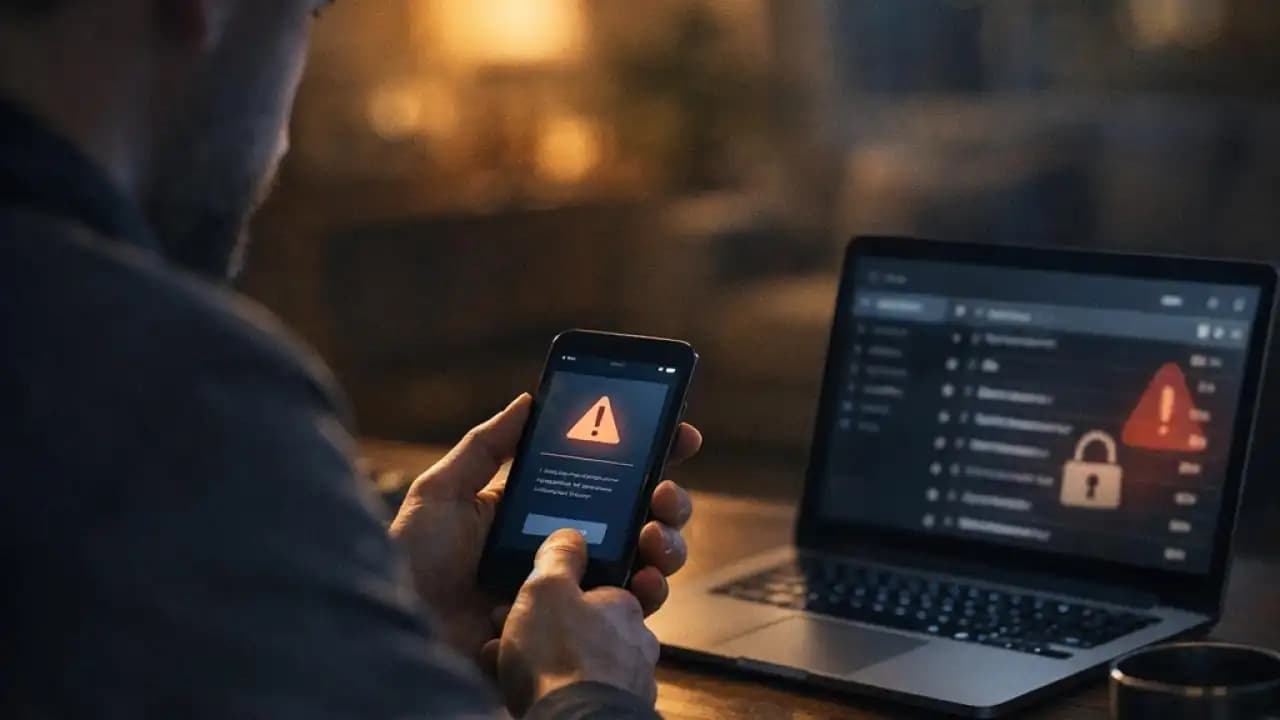
Phishing scam messages disguised as account verification alerts are Spreading fast. A common real-life scenario starts with a text or email saying your account will be locked unless you confirm your identity right away. The message may mention a bank, delivery app, email provider, or social platform. It looks routine, but the goal is often to get you to click a fake link and hand over personal information.
These messages work because they feel familiar. Many services really do send login alerts, password reset notices, and Security checks. Scammers copy that format closely enough to make people react before they stop and think.
What is happening with these fake verification messages
Fake Verification Messages are being sent through SMS, email, chat apps, and even social media direct messages. They usually claim there is a problem with your account: unusual activity, an expired session, a failed payment, or a security hold.
Once you tap the link, you may land on a page that looks almost identical to a real sign-in screen. If you enter your username, password, one-time code, or card details, that information can go straight to the scammer.
Why the message feels convincing
The wording is often short and urgent. It may include a brand logo, a case number, or a Warning that access will be restricted within minutes. Some scams also spoof sender names so the message appears to come from a real company thread.
How the trick method usually works
Most account verification scams follow a simple pattern:
First, the scammer sends a warning message designed to trigger panic. Second, the message includes a link to a fake website. Third, the site asks for login details, verification codes, or payment information. Finally, the scammer uses that data to access Accounts, make purchases, or launch more fraud.
In some cases, clicking the link can also lead to malware downloads or pages that ask you to install a so-called security tool.
Common versions people are seeing
Scammers often impersonate banks, Online marketplaces, streaming services, cloud storage providers, tax agencies, and courier companies. Another common tactic is a fake message claiming you must verify your email account to avoid suspension.
Signs the message may be a scam
There are usually small clues, even when the message looks polished.
- The sender address or phone number looks slightly off
- The link uses a strange domain or extra words
- The message pushes immediate action with threats or deadlines
- It asks for passwords, one-time codes, or payment details
- The greeting is generic instead of using your real name
- The grammar feels unusual or inconsistent with the brand
If a message tells you not to contact customer support and only use the link provided, that is another serious red flag.
Why it matters and what the risks look like
This matters because a single click can lead to more than one problem. If scammers get your login details, they may access email, bank accounts, shopping profiles, or cloud files. Once inside one account, they often try to reset passwords on others.
Main risks from fake verification links
- Account takeover
- Identity theft
- Unauthorized payments or withdrawals
- Loss of access to email or social accounts
- Exposure of saved documents, photos, or contacts
- Follow-up scams targeting friends, family, or coworkers
For work accounts, the damage can spread further if company systems or client information are involved.
Recent trends from 2024 to 2026
From 2024 through 2026, phishing scams are becoming more believable in a few clear ways. Attackers are using cleaner branding, mobile-friendly fake pages, and better timing. Some messages arrive right after a real password reset request or during busy shopping periods, making them harder to question.
Another trend is multi-step phishing. Instead of asking for everything at once, scammers first collect a username, then ask for a password, then request a one-time passcode. This staged approach feels more legitimate to many users.
There is also a rise in scams sent through messaging apps and business communication tools, not just email. That shift matters because people often trust short mobile notifications more than long emails.
Practical awareness: how to protect yourself
The safest habit is simple: do not use the link in the message. Open the official app or type the company website yourself. If there is a real issue, you should see it after signing in normally.
- Check the sender carefully, not just the display name
- Hover over or inspect links before tapping when possible
- Use multi-factor authentication on important accounts
- Keep devices and browsers updated
- Use a password manager to help spot fake websites
- Turn on account alerts from official apps
If you are unsure, contact the company using the support page you find independently, not the number or link inside the message.
What to do if you already clicked
Act quickly. If you entered your password, change it immediately on the real site. If you reused that password anywhere else, change those too. Review account activity, remove unknown devices, and update your recovery email or phone number if needed.
If you entered banking or card details, contact your bank right away. If you shared a one-time code, treat the account as at risk even if nothing looks wrong yet.
Fast action checklist
- Change your password on the official site
- Sign out of other sessions if the account allows it
- Enable or reset multi-factor authentication
- Check for unfamiliar transactions or profile changes
- Scan your device if a download occurred
- Report the message to the service provider and your mobile carrier or email platform
FAQs
How can I tell if an account verification message is real?
Do not trust the message alone. Open the official app or website directly and check your account there. Real issues will usually appear after you sign in normally.
Can a phishing scam look exactly like a real company message?
Yes. Some scams closely copy logos, colors, page layouts, and even sender names. That is why the safest move is to avoid the link and verify through official channels.
What if I only clicked the link but did not enter anything?
You may still want to close the page, clear your browser, and scan your device if anything downloaded. The biggest risk is usually when information is submitted, but some links can lead to malicious downloads.
Should I reply to ask if the message is genuine?
No. Replying can confirm that your number or email is active. Contact the company through its official support page or app instead.
Are these scams only sent by email?
No. They are commonly sent by text message, messaging apps, social platforms, and sometimes through fake customer support chats.





