



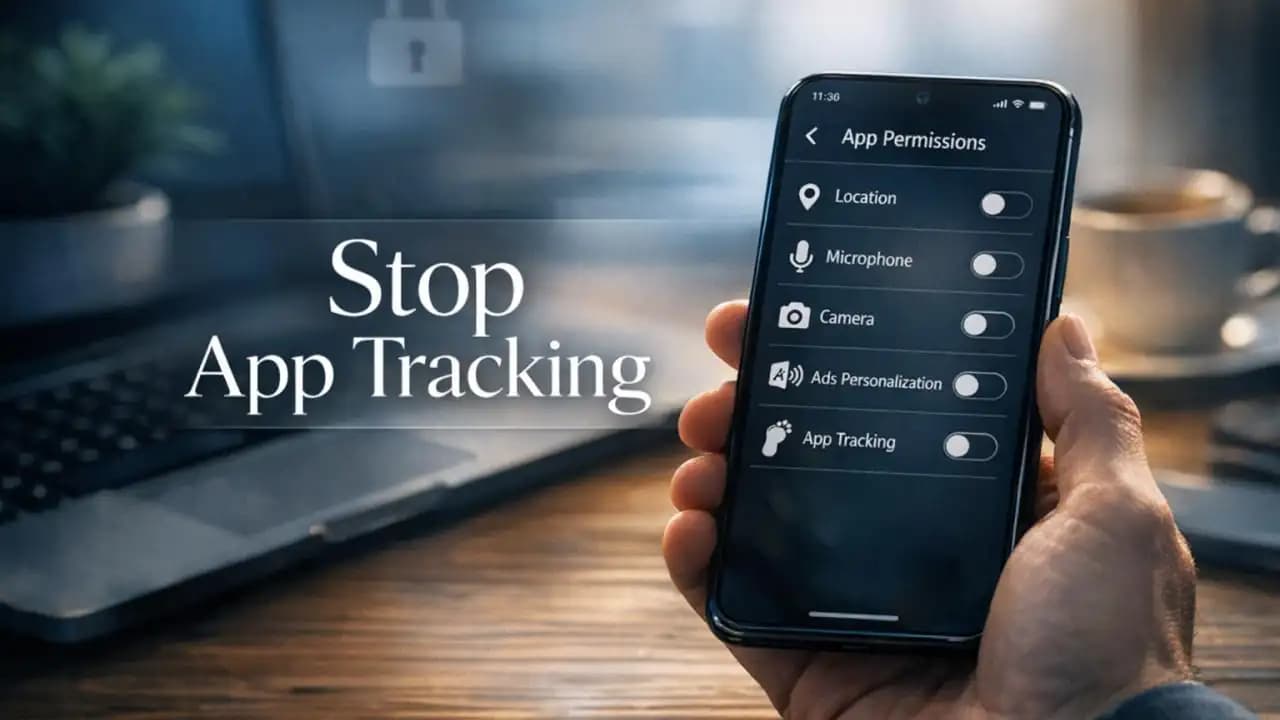
Stop app tracking is a priority for many phone users who notice something odd: you search for one product, visit one place, or mention one topic, and suddenly related ads and suggestions appear everywhere. In real life, this often starts with a simple download like a shopping app, game, or weather tool that asks for more access than it really needs.
Many apps track your activity in ways that are easy to miss. Some collect location data, device identifiers, browsing behavior, contact details, and usage patterns. Others share that information with advertisers, analytics firms, or data brokers. The result is a phone that feels less private than most people expect.
What is happening when apps track you
App tracking usually works through permissions, software development kits, advertising IDs, cookies, fingerprinting techniques, and background data collection. When you install an app, it may request access to your location, camera, microphone, contacts, photos, or motion activity. Some access is necessary. A maps app needs location. A video app needs the camera. But many apps ask for more than they need.
Tracking also happens behind the scenes. Third-party code inside an app can collect details about your device, how long you stay in the app, what you tap, what you buy, and which other apps or websites seem linked to your behavior.
Common types of app tracking
Location tracking can monitor where you go in real time or over longer periods. Ad tracking uses your device identifier to build a profile for personalized ads. Cross-app tracking connects your activity between different apps and websites. Behavioral analytics tracks scrolling, clicks, purchases, and session times to predict what you might do next.
Why apps track users in the first place
The main reason is money. Data helps companies personalize ads, measure campaigns, improve user retention, and increase sales. Some developers use tracking to understand bugs and performance, which can be legitimate. The problem starts when data collection goes beyond what is clearly needed for the app to function.
Free apps often rely more heavily on advertising and data partnerships. If an app costs nothing upfront, user data may be part of its business model.
Signs an app may be tracking too much
There is not always one obvious warning, but several signs can point to excessive tracking.
- The app asks for permissions that do not match its purpose
- You see very specific ads after using the app
- Battery drains faster because the app runs often in the background
- Mobile data usage seems unusually high
- The app keeps requesting location access all the time
- Its privacy policy is vague, broad, or hard to understand
If a flashlight app wants your contacts and constant location, that is a red flag. If a notes app wants microphone access without a voice feature, that also deserves a second look.
Why app tracking matters for your privacy
Tracking is not just about ads. Over time, collected data can reveal habits, routines, interests, health concerns, shopping behavior, workplace patterns, and even sensitive locations. That information can be used for profiling, targeted persuasion, price steering, or shared with companies you have never heard of.
Even when data is labeled anonymous, combining multiple signals can sometimes identify a person more easily than expected.
Risks of letting apps track you freely
The biggest risk is loss of control. Once your data is collected and shared, it can be difficult to know where it went or how long it will be stored.
- More invasive ad targeting
- Exposure of sensitive location or routine data
- Increased chance of phishing or scam targeting
- Potential profiling based on health, finance, or lifestyle signals
- Higher battery and data consumption
- Greater impact if a company suffers a data breach
For some people, these risks are more serious. Journalists, activists, survivors of abuse, public-facing workers, and frequent travelers may face higher privacy and safety concerns from location and identity exposure.
Recent trends in app tracking from 2024 to 2026
Recent years have brought more privacy controls, but tracking has not disappeared. Apple has continued to push app permission transparency, while Android has expanded privacy dashboards and more granular controls. At the same time, advertisers and data firms have explored alternatives to traditional ad tracking, including fingerprinting and broader in-app analytics.
Between 2024 and 2026, users are seeing three clear trends: more permission prompts, more privacy labels in app stores, and more hidden tracking through third-party SDKs. Regulators are also paying closer attention to children's privacy, location data sales, and dark-pattern consent screens. In short, privacy tools are improving, but so are tracking methods.
How to stop app tracking on your phone
You do not need to give up every app. The goal is to reduce unnecessary tracking with practical steps.
1. Review app permissions
Check which apps can access location, camera, microphone, contacts, photos, calendar, Bluetooth, and motion sensors. Turn off anything that is not Essential.
2. Limit location access
Choose options like While Using the App instead of Always. For apps that do not need location, set it to Never. If your phone offers precise location control, disable precise access where it is unnecessary.
3. Turn off ad personalization
Both iPhone and Android provide ways to limit ad tracking or reset advertising identifiers. This will not stop all data collection, but it can reduce cross-app ad profiling.
4. Check privacy labels before installing apps
App store privacy details can give clues about what data is collected and linked to you. Compare apps and choose ones with narrower data practices when possible.
5. Delete apps you do not use
An unused app cannot keep collecting fresh data if it is no longer on your phone. Old apps are easy to forget and often keep background privileges.
6. Use the web version if it is less invasive
Sometimes a mobile website asks for fewer permissions than the full app. This is not always true, but it is worth comparing.
7. Keep your phone updated
Operating system updates often include security patches and better privacy controls. An outdated phone gives apps and attackers more room to exploit weaknesses.
Settings to change on iPhone and Android
iPhone settings
- Go to Settings > Privacy & Security to review permissions
- Open Tracking and turn off Allow Apps to Request to Track if you want the strongest default limit
- Review Location Services and change apps to Never or While Using
- Check Microphone, Camera, Photos, Contacts, and Bluetooth access
- Review Background App Refresh and disable it for apps that do not need it
Android settings
- Go to Settings > Privacy or Security & Privacy, depending on device brand
- Open Permission Manager to review location, camera, microphone, contacts, files, and nearby devices
- Limit ad personalization and reset your advertising ID if available
- Use the Privacy Dashboard to see which apps recently accessed sensitive data
- Restrict background activity for apps that do not need it
Practical awareness habits that make a real difference
Before installing an app, ask a simple question: does this app really need this permission to work? Read the permission prompt slowly instead of tapping allow automatically. If the request feels too broad, deny it and see whether the app still functions.
It also helps to audit your phone every few months. Remove old apps, review permissions again, and check which apps have access to sensitive features. Privacy protection works best as a habit, not a one-time fix.
FAQs about stop app tracking
Can I stop all app tracking completely?
Not entirely. You can reduce a large amount of tracking by changing permissions, limiting ad personalization, and deleting invasive apps, but some data collection is built into app functionality and online services.
Does turning off tracking stop personalized ads?
It reduces some personalized advertising, especially cross-app tracking, but it may not remove all ads. You may still see contextual ads based on the content you use.
Are free apps more likely to track me?
Often, yes. Many free apps rely on advertising or data-sharing models, though paid apps can collect data too. Always check permissions and privacy details.
Which permission is the biggest privacy risk?
Location access is one of the most sensitive because it can reveal routines, home and work patterns, and visits to personal places. Contacts, microphone, and photos can also be highly sensitive.
Should I uninstall apps I do not trust?
Yes. If an app asks for excessive permissions, has a poor reputation, or no longer serves a purpose, uninstalling it is a practical privacy step.





