



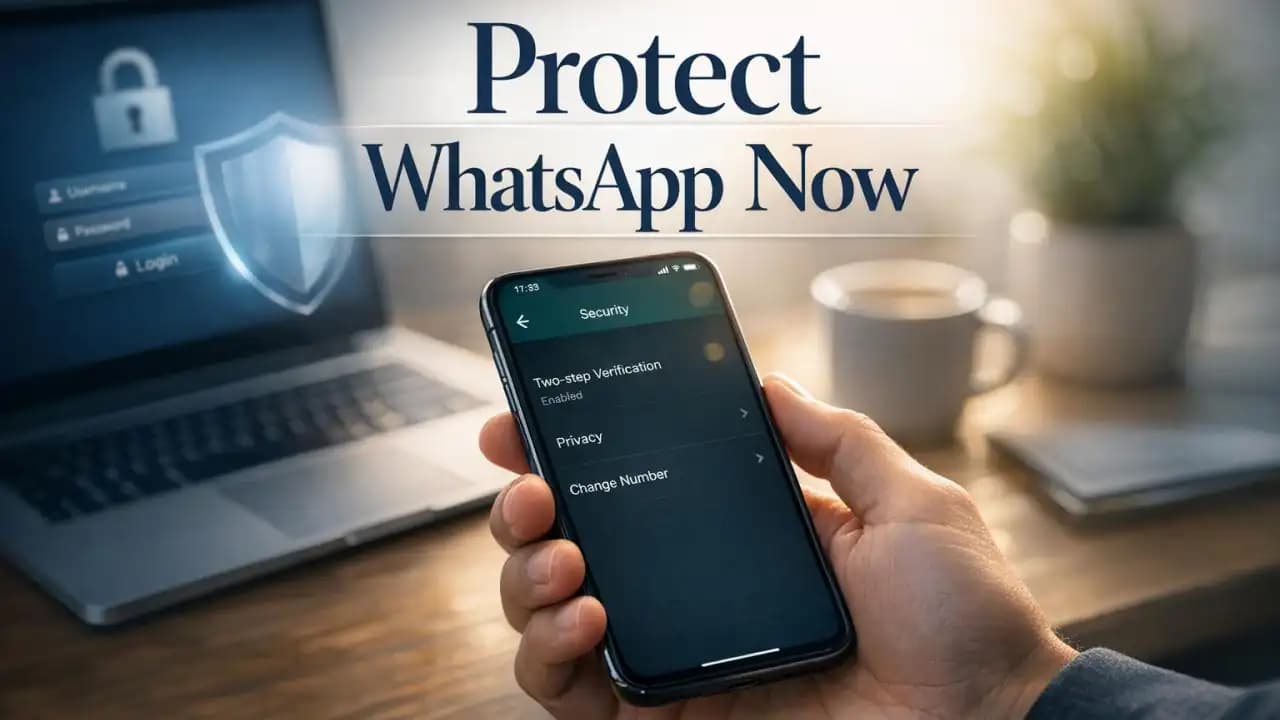
Secure WhatsApp account protection matters most in the moments people usually let their guard down. A common example is getting a message or call that says your verification code was sent by mistake and asks you to share it. It feels small, but that one step can hand over your account in minutes. As scams and hacks keep rising, securing your WhatsApp account is no longer optional.
WhatsApp is often tied to personal chats, family groups, work messages, photos, and even financial conversations. If someone takes control of your account, the damage can spread beyond one app. They may message your contacts, impersonate you, and try to scam others using your name.
What is happening with WhatsApp security right now
WhatsApp remains one of the most used messaging apps in the world, which makes it a constant target for scammers. Attackers do not always need advanced tools. In many cases, they rely on social engineering, fake urgency, and simple tricks to get access.
Growing threats
Recent attacks often start with fake support messages, phishing links, or calls pretending to be from a friend, company, or service provider. Some scams try to steal the one-time verification code. Others push users to link a device or enter details on a fake login page.
Account risks
If your account is hijacked, the attacker may lock you out, read profile details, misuse your identity, and contact people you know. Even if chat content is end-to-end encrypted, account takeover can still expose sensitive information through notifications, backups, profile data, and ongoing conversations.
Why it matters
People often trust a WhatsApp message more than an email from a stranger. That trust is exactly why account theft is so damaging. A hijacked account can be used to request money, send malicious links, or trick family members into sharing private information.
For business users, the risks are even higher. Customer details, appointment messages, invoices, and internal discussions may all be connected to the same device. A weak setup can quickly become a privacy and reputation problem.
Common ways WhatsApp accounts get hacked
Code sharing scams
This is still one of the most common methods. A scammer tries to trigger a WhatsApp verification code to your phone, then contacts you pretending it was sent by accident. If you share the code, they can register your number on another device and take over the account.
Phishing attacks
Phishing pages can look almost real. You may get a message telling you to verify your account, claim a prize, or fix a security issue. Once you tap the link, the page asks for your phone number, code, or backup PIN. Entering those details gives attackers what they need.
Linked device abuse
If someone briefly gets access to your phone, they may link your WhatsApp to another device through WhatsApp Web or companion device options. That can let them monitor messages without obvious signs unless you review linked devices regularly.
Key settings to enable to secure WhatsApp account access
Turn on two-step verification
This is one of the most important protections in WhatsApp. Two-step verification adds a six-digit PIN that is required when your phone number is registered again. It helps block account takeover even if someone gets your SMS verification code.
To enable it, open WhatsApp, go to Settings, then Account, then Two-step verification. Choose a strong PIN that is not easy to guess, and add a recovery email you actually use.
Review privacy controls
Check who can see your profile photo, last seen, online status, status updates, and who can add you to groups. Limiting public visibility reduces targeting and makes impersonation harder.
For many users, the safest option is to set these controls to My Contacts or My Contacts Except for selected items. Also consider silencing unknown callers if that feature is available in your version of WhatsApp.
Check linked devices
Open the Linked Devices section and remove any device you do not recognize. Make this a habit, especially after traveling, phone repairs, or shared device use.
Risks people often underestimate
The biggest mistake is assuming only high-profile targets get attacked. In reality, most scams are broad and automated. Attackers only need a few successful responses to make the effort worthwhile.
Another overlooked risk is device security. If your phone has no screen lock, runs outdated software, or is full of unknown apps, WhatsApp security alone is not enough. The app is only as safe as the device it runs on.
Recent trends from 2024 to 2026
From 2024 onward, messaging scams have become more personalized. Criminals are using stolen profile photos, hacked contact lists, and copied writing styles to make fake messages look believable. Voice call scams and fake support chats have also become more common.
Another trend is cross-platform fraud. A scam may begin on social media, move to SMS, and end on WhatsApp where the attacker tries to gain trust. Users are also seeing more fake business accounts, fraudulent delivery alerts, and QR code tricks tied to account access or payment requests.
Looking into 2025 and 2026, awareness is becoming just as important as app settings. Security features help, but most account takeovers still begin with user action such as tapping a link, sharing a code, or ignoring device warnings.
Practical awareness that helps every day
Do not share verification codes
WhatsApp verification codes should never be shared with anyone, including friends, family, or someone claiming to be support. Legitimate services do not ask you to send back your own login code.
Avoid unknown links
If a message creates urgency, promises money, or asks you to verify something quickly, slow down. Check the sender, inspect the link, and when in doubt, do not tap it. Visit the official app or website directly instead.
Keep your device secure
Use a strong screen lock, update your phone regularly, and install apps only from official stores. Turn on biometric lock for WhatsApp if available. This adds another barrier if someone gets hold of your phone.
Watch for impersonation signs
Be cautious if a known contact suddenly asks for money, requests a code, or changes their tone. Confirm through a phone call or another channel before acting.
Mistakes to avoid
- Sharing SMS or WhatsApp verification codes with anyone
- Using weak or memorable PINs for two-step verification
- Ignoring linked devices and login alerts
- Leaving your phone unlocked or unprotected
- Clicking shortened or suspicious links in messages
- Using outdated phone software for long periods
Quick security checklist
- Enable WhatsApp two-step verification
- Add and verify a recovery email
- Set privacy controls to limit visibility
- Review linked devices and remove unknown sessions
- Use screen lock and biometric protection
- Update your phone and WhatsApp regularly
- Never share verification codes
- Pause before opening unexpected links
FAQs
Can someone hack my WhatsApp just with my phone number?
Not usually with the number alone, but your phone number can be used to target you with phishing, fake support, and verification code scams. That is why two-step verification is so important.
What should I do if I shared my WhatsApp verification code?
Try to log back into WhatsApp immediately using your number. Enable two-step verification if you still can, log out unknown linked devices, and contact WhatsApp support if you lose access.
Does two-step verification really help?
Yes. It adds a second layer that can stop account takeover even if someone gets your SMS code. It is one of the best settings to enable.
How do I know if someone linked my WhatsApp to another device?
Check the Linked Devices section inside WhatsApp. If you see a device or browser session you do not recognize, log it out right away.
Is WhatsApp safe if I use public Wi-Fi?
WhatsApp messages are encrypted, but public Wi-Fi can still increase exposure to phishing pages, fake login prompts, and other device-level risks. Avoid sensitive actions on untrusted networks when possible.
Take action today to keep your WhatsApp account safe. A few small changes, made now, can prevent a much bigger problem later.





