



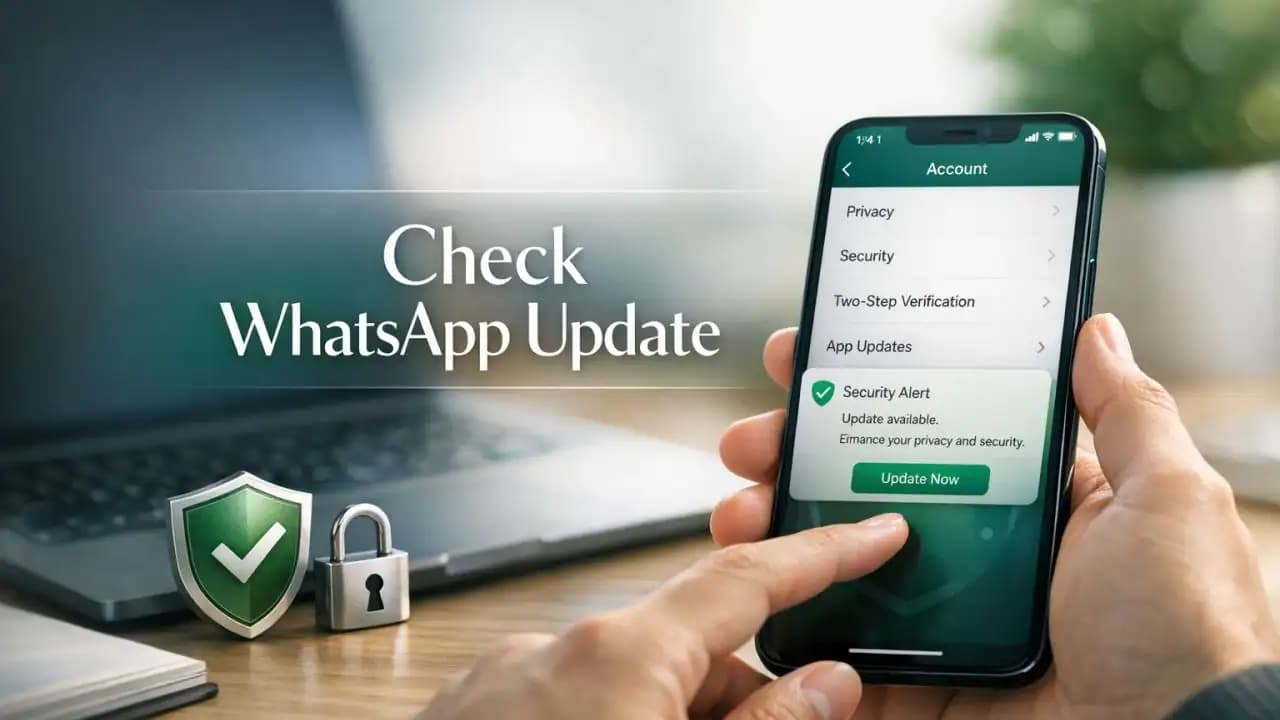
WhatsApp security alert messages tend to get ignored until something looks off, like a login code you did not request, a new privacy prompt, or a setting that suddenly changed after an update. That is exactly why this latest notice matters. WhatsApp users are being advised to review the newest app changes now, not later, especially if they rely on the app for daily chats, work messages, or family groups.
Official platform alerts are not always about a confirmed breach. In many cases, they are warnings tied to new protections, revised settings, device compatibility changes, or security fixes that only help if users actually install the update and check what changed.
What is happening with this WhatsApp security alert
The current alert centers on a new WhatsApp update that users should review as soon as possible. The update may include security patches, changes to privacy controls, and protections designed to reduce account abuse, scam access, or unauthorized logins.
Why it matters is simple: messaging apps are a common target for phishing, social engineering, account takeover attempts, and fake support scams. If your app is out of date, you may miss protections that were added to block those risks.
Why users should not ignore it
Many people assume automatic updates handle everything. In reality, some devices delay updates, some users disable them, and some security options still need to be turned on manually. A warning only helps if you act on it.
What changed in the update
WhatsApp updates often bring a mix of visible and background changes. That can include stronger login verification, better suspicious message reporting, improved device management, refined privacy controls, and fixes for known vulnerabilities.
Some updates also affect how linked devices are managed, how unknown callers are handled, or how users can control profile visibility, chat lock features, and account verification options.
Security implications of the changes
Even small changes can have a direct security impact. A patch may close a weakness attackers could exploit. A new privacy option may reduce exposure to strangers. A revised linked-device screen may help users spot sessions they no longer recognize.
If you skip the update, you may continue using older protections while scammers adapt to newer platform behavior.
Who is affected
This alert can affect regular WhatsApp users on Android and iPhone, especially those using older app versions or devices that do not update promptly. People who use WhatsApp Web or linked devices should also review account activity, since cross-device access is often targeted in takeover attempts.
Users at higher risk include:
- People who received unexpected verification codes
- Users who click links sent through unknown chats
- Anyone using public or shared devices
- People who have not checked privacy settings in months
- Users running outdated operating systems
Potential risks if you do nothing
The biggest risk is not always an immediate hack. Often, the problem starts with reduced protection. That can leave room for account misuse, impersonation, or easier targeting by scammers.
Possible risks include:
- Unauthorized access attempts if verification protections are weak
- Exposure to fake alerts or phishing messages pretending to be from WhatsApp
- Old linked devices staying connected without your knowledge
- Privacy settings remaining more open than you expect
- Missed fixes for known security issues
Why this matters in real life
If your WhatsApp account is tied to work contacts, school groups, banking messages, or family communication, even a short account lockout or impersonation attempt can create real disruption. Attackers often use trusted accounts to message friends, request money, or spread malicious links.
Recent trends from 2024 to 2026
From 2024 through 2026, platform security trends have focused on stronger account verification, more visible privacy controls, better scam reporting tools, and tighter handling of linked devices. Messaging platforms are also responding faster to social engineering tactics, especially fake customer support chats, account recovery scams, and OTP theft attempts.
Another trend is that attackers increasingly rely on user mistakes instead of technical exploits. That means awareness is now just as important as the update itself. A fully updated app still cannot protect someone who shares a verification code with a scammer.
What you should do right now
Start with the basics and take two minutes to review your account.
- Update WhatsApp from the official App Store or Google Play
- Open WhatsApp settings and review privacy options
- Check linked devices and sign out of any you do not recognize
- Enable two-step verification if it is available and not already active
- Make sure your phone operating system is also up to date
- Do not trust security warnings sent through random chats or forwarded messages
Settings worth checking
Look at who can see your profile photo, last seen, online status, status updates, and calls. Review chat lock features, backup settings, and any email or number recovery details connected to your account.
Practical awareness tips
Use official sources first. If you hear about a WhatsApp security issue on social media, confirm it through the app store listing, WhatsApp help pages, or trusted tech reporting.
Do not install APK files or unofficial app versions to get features early. These can expose your device and weaken built-in protections.
Be cautious with urgent messages claiming your account will be suspended unless you click a link. Real platform alerts usually point users to update through official channels, not through random chat messages.
Why this alert matters now
This WhatsApp security alert is a reminder that app safety is not passive. Updates, settings, and user habits all work together. Checking the latest changes now is a simple step that can prevent bigger problems later.
FAQs
Is this WhatsApp security alert about a hack?
Not necessarily. Many alerts relate to security improvements, privacy changes, or fixes that users should apply quickly before they become exposed to preventable risks.
How do I know if my WhatsApp app is outdated?
Open the App Store or Google Play and check whether an update is available. You can also review the app version inside your device settings.
What is the most important setting to enable?
Two-step verification is one of the most useful protections because it adds another barrier against account takeover attempts.
Can linked devices create a security issue?
Yes. If you do not review linked devices regularly, an old or unknown session could remain connected longer than you expect.
Should I trust forwarded warnings about WhatsApp updates?
No. Treat forwarded alerts with caution and verify them through official app stores or trusted WhatsApp support resources.
Always stay updated to keep your account secure.





