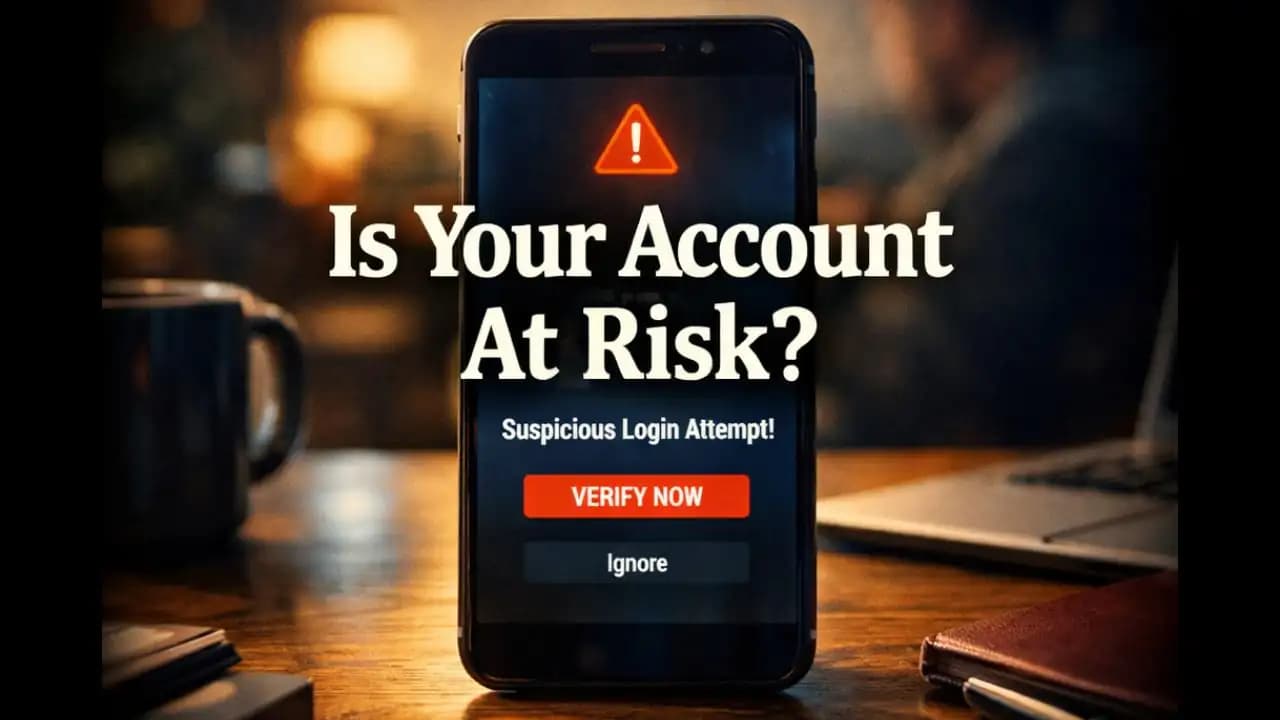
Fake app notifications have become so convincing that many people don’t even pause before reacting to them. A banner slides down from the top of the screen. The icon looks familiar. The language sounds official. Maybe it mentions a security issue, a missed delivery, or a required update. You tap it almost automatically, because that’s what you’ve trained yourself to do hundreds of times a day.
That instinctive tap is exactly what these notifications are designed to trigger. Not panic. Not confusion. Just trust and momentum.
When alerts stop feeling optional
Notifications were meant to be helpful. They’re supposed to save time, surface important information, and keep you connected. Over the years, they’ve become background noise so constant that we rarely stop to question them.
That familiarity is the weakness fake app notifications exploit. They don’t arrive shouting danger. They arrive sounding routine. Like something you’ve seen before, handled before, and survived before.
The danger isn’t in how loud they are. It’s in how normal they feel.
Why fake notifications look so real now
Early digital scams were easy to spot. Poor wording. Strange timing. Obvious red flags. Today’s fake notifications are different because they borrow directly from the design language of real apps.
They mimic icon styles, notification tones, and even phrasing patterns used by legitimate services. Some copy the exact cadence of official alerts: short sentences, neutral language, a clear call to action.
This realism doesn’t require deep Hacking. Often, it’s achieved through simple overlays, deceptive web pages, or apps that abuse notification permissions. The goal isn’t to break into your phoneit’s to blend in.
The psychology behind the tap
Most people believe they would recognize a fake alert if they saw one. In practice, decision-making around notifications is rarely conscious.
Notifications interrupt whatever you’re doing. They demand quick judgment. The brain prioritizes speed over scrutiny, especially when the alert seems familiar.
Fake app notifications take advantage of this mental shortcut. They don’t ask you to think. They ask you to react.
By the time you realize something feels off, you may already be a step too far in.
Common types appearing today
Fake notifications tend to cluster around a few themes, all designed to feel plausible.
Security alerts are among the most common. Messages claiming unusual activity, expired sessions, or locked Accounts create a mild sense of urgency without sounding dramatic.
Delivery and payment notifications are another favorite. Many people are expecting packages or transactions, making these alerts feel timely rather than suspicious.
System-related alertsfake updates, storage warnings, or performance issuesalso appear frequently. They lean on the authority of the device itself, which users are conditioned to trust.
What connects these messages is not fear, but relevance.
How they reach your screen in the first place
Not all fake app notifications arrive the same way. Some come from malicious or poorly designed apps that request notification Access and then abuse it.
Others originate from websites that ask for permission to send notifications, often disguised as pop-ups to confirm you’re not a robot or to access content. Once allowed, these sites can push alerts that look surprisingly app-like.
In some cases, fake notifications are simply well-crafted messages delivered through legitimate channels, relying on visual similarity rather than technical control.
The result feels the same: an alert that looks official but isn’t.
Why they’re hard to distinguish in the moment
On a locked screen or notification shade, context is limited. You often see only an icon, a short line of text, and maybe a preview.
There’s rarely timeor spaceto Verify authenticity. And because real apps also send alerts that occasionally feel urgent or confusing, the fake ones don’t stand out.
This ambiguity benefits deception. The notification doesn’t need to be perfect. It just needs to be plausible enough for a split second.
What happens after you interact
Clicking a fake notification doesn’t always cause immediate harm. Sometimes it leads to a webpage designed to collect information. Sometimes it redirects to an app download. Sometimes it simply confirms engagement.
The absence of instant consequences is part of the strategy. When nothing obviously bad happens, users assume the alert was legitimate or harmless.
But even small interactions can have value to bad actors. They confirm active users, refine targeting, or set up future attempts that are more convincing.
The real impact often unfolds later, not at the moment of the tap.
Why smart users still fall for them
There’s a misconception that falling for fake notifications means being careless or uninformed. In reality, these alerts are designed around normal behavior, not ignorance.
People multitask. They glance at their phones between meetings, during commutes, or while half-focused on something else. Attention is fragmented.
Fake app notifications succeed because they match this reality. They don’t require full engagement. They rely on partial attention.
Even users who know about scams can be caught when the timing aligns with distraction or expectation.
The trust problem built into platforms
Mobile operating systems and apps rely on notifications as a core feature. That means they prioritize delivery and visibility over skepticism.
Once an app or website is allowed to send notifications, the system treats those alerts as legitimate messages. Visual cues are minimal. Warnings are rare.
This creates a trust gap. Users assume that if something appears as a notification, it must have passed some level of verification.
In most cases, that assumption is wrong.
How fake alerts shape long-term behavior
Repeated exposure to deceptive notifications doesn’t just cause isolated incidents. It changes how people interact with their devices.
Some users become overly cautious, ignoring real alerts. Others become desensitized, tapping everything just to clear the screen.
Both outcomes reduce trust in digital systems. And reduced trust makes it harder for legitimate apps to communicate effectively.
Fake notifications don’t just steal attention. They erode confidence.
Why this matters beyond individual risk
Fake app notifications don’t exist in a vacuum. When someone’s account is compromised or their device is affected, it often becomes a launch point for further deception.
Contacts may receive similar alerts. Shared devices may expose others. Workplace systems may be indirectly affected.
What starts as a personal interaction can ripple outward, quietly expanding the impact.
The future of notification-based deception
As notification systems become more flexible and customizable, the line between real and fake may blur further.
Rich notifications, interactive buttons, and cross-platform syncing all add conveniencebut also complexity. Each new feature is another surface for imitation.
At the same time, awareness is growing. Users are beginning to question alerts instead of assuming legitimacy. Platforms are slowly introducing clearer controls.
The outcome will depend on whether awareness can keep pace with sophistication.
Relearning how to pause
The most effective defense against fake app notifications isn’t a technical tool. It’s a behavioral shift.
Pausing for a moment before interacting. Noticing whether the alert aligns with recent actions. Checking the app directly instead of responding through the notification.
These small pauses interrupt the automatic response that deception depends on.
In a system optimized for speed, slowing downeven brieflyrestores choice.
Trust without blind acceptance
Digital life requires trust. Without it, every interaction becomes exhausting. The goal isn’t to doubt everything, but to reserve trust for moments that earn it.
Fake notifications exploit trust that’s given automatically. Real alerts withstand a little scrutiny.
Learning the difference isn’t about memorizing rules. It’s about noticing patterns and resisting urgency when something feels slightly off.
FAQs
What are fake app notifications?
They are deceptive alerts designed to look like official app messages but originate from untrusted apps, websites, or malicious sources.
Do fake notifications always lead to scams?
Not always immediately. Some are used to test engagement or redirect users later.
Can legitimate apps send misleading notifications?
Sometimes apps use vague or urgent language for engagement, which can blur the line but isn’t the same as outright deception.
Why do fake notifications feel so convincing?
They copy familiar design patterns and arrive in contexts where users expect real alerts.
Is ignoring notifications enough to stay safe?
Ignoring helps, but understanding how and why they appear is more effective long-term.
Fake app notifications thrive in the space between attention and habit. They don’t demand beliefthey borrow it. Each convincing alert reminds us that familiarity isn’t the same as authenticity. In a world where every buzz and banner competes for trust, the simple act of pausing before tapping becomes a quiet form of control.